AI Video Merger
Your intro is a phone clip, the demo is a screen recording, and the outro came off a mirrorless camera — three resolutions, three frame rates, three volume levels. Eliro's AI normalizes all of it and joins the clips with clean transitions, so the result plays like it was shot as one piece.
- Mix Phone, Screen, and Camera Footage
- Audio Leveled Across Every Clip
- Transitions Picked for Each Join
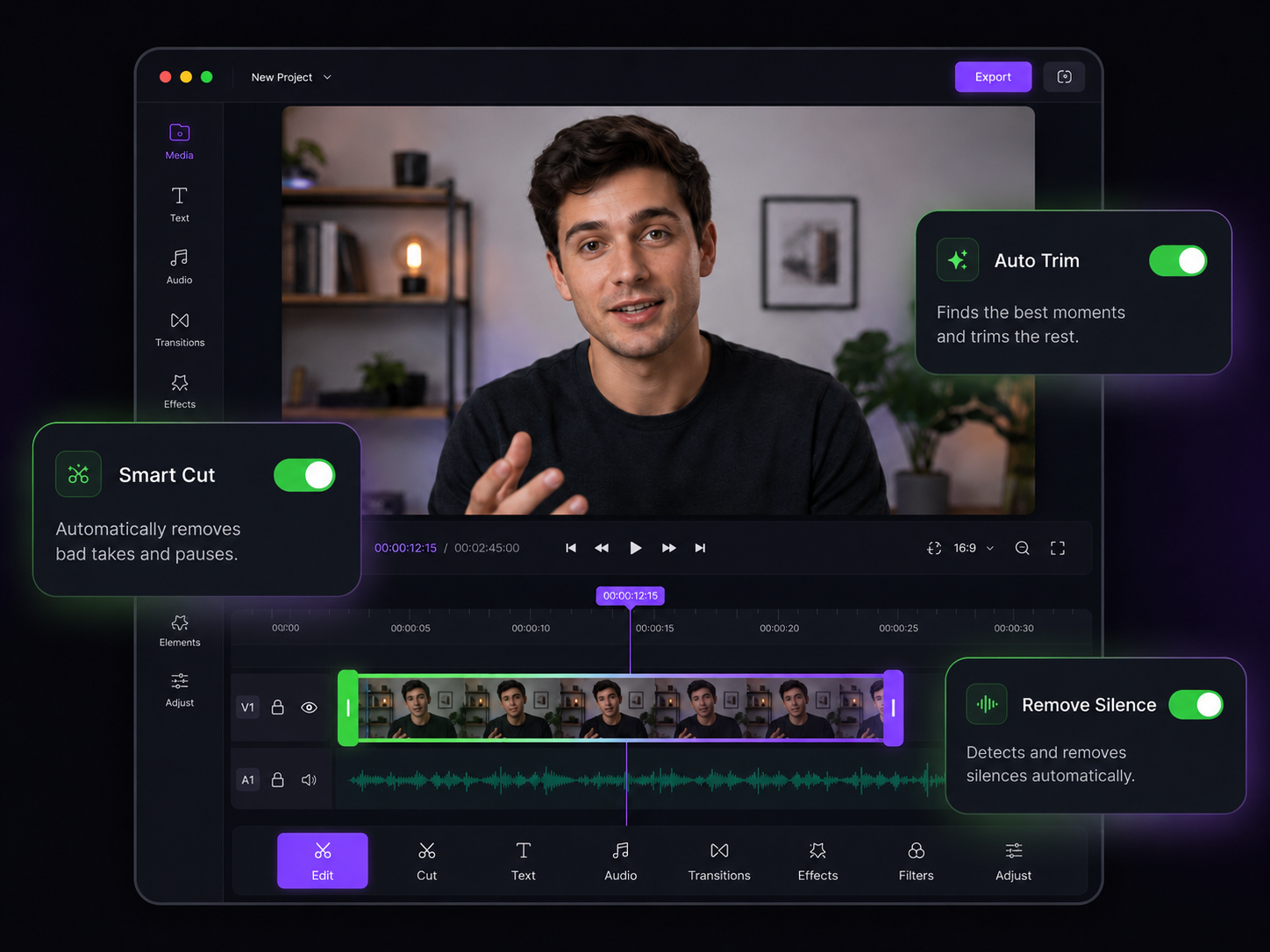
One Timeline for Mismatched Footage
Formats, frame rates, and audio levels reconciled before the join

Format Reconciliation
A 4K 24fps camera file and a 1080p 60fps screen capture merge cleanly. The AI converges codecs, resolutions, and frame rates without you opening a settings panel.

Join-Aware Transitions
Crossfade between similar scenes, hard cut between unrelated ones. The AI looks at what sits on either side of each join and suggests the transition that fits.

Consistent Loudness
A quiet voice memo next to a loud screen recording is jarring. Audio is normalized clip by clip so the volume never lurches at a cut.

Drag to Reorder
Shuffle clips, drop a new one into the middle, or pull one out — the running order stays yours until the moment you export.

Chapters at Every Join
Clip boundaries can become YouTube chapter markers automatically — useful when you're assembling course modules or multi-part tutorials.

Two Clips or Two Hundred
Stitch a full lecture series, a season of vlogs, or a folder of dashcam files into one continuous video. There's no clip limit.
From Scattered Clips to One File

Upload Everything
Drag in all your clips at once — different formats, devices, and resolutions are fine. They land in one queue.

Set the Order and Joins
Arrange clips by drag-and-drop and pick a transition for each boundary while the AI levels formats and audio behind the scenes.

Export One Continuous Video
Download a single seamless file, or send it straight to YouTube with chapter markers already in place.
After the Merge
A combined video usually needs one more pass — these tools handle it.
AI Video Splitter
Need the opposite? Split one long file back into clips at scene changes.
AI Video Trimmer
Cut dead air inside each clip before merging so the joined video stays tight.
AI Video Speed Changer
Speed through slow sections of the merged cut without chipmunk audio.
AI Video Resizer
Output the merged video at the exact dimensions each platform expects.
AI Subtitle Generator
Caption the full merged video in one pass instead of clip by clip.
AI Video Editor
Add zooms, B-roll, and polish across the combined timeline.
Learn more about what you can do
Related Pages
Descript Alternative | Eliro vs Descript
Compare Eliro and Descript. Eliro generates complete videos from one prompt in 30 seconds.
TemplatePromo Video Maker — Sale-Ready in Minutes | Eliro
Make a promo video for your sale, launch, or event without an agency. Describe the offer; Eliro builds visuals, voiceover, and CTA in every ad format.
Free ToolFree Video Compressor | Reduce File Size Without Quality Loss
Compress videos for free without losing quality. Reduce file size by up to 90% for faster uploads, email attachments, and storage savings.
GuideHow to Make a Video Ad with AI — Script to Launch | Eliro
Learn how to make a video ad with AI: write the offer, generate hook variations, and export the right ratio for every placement. Test more creatives for less.