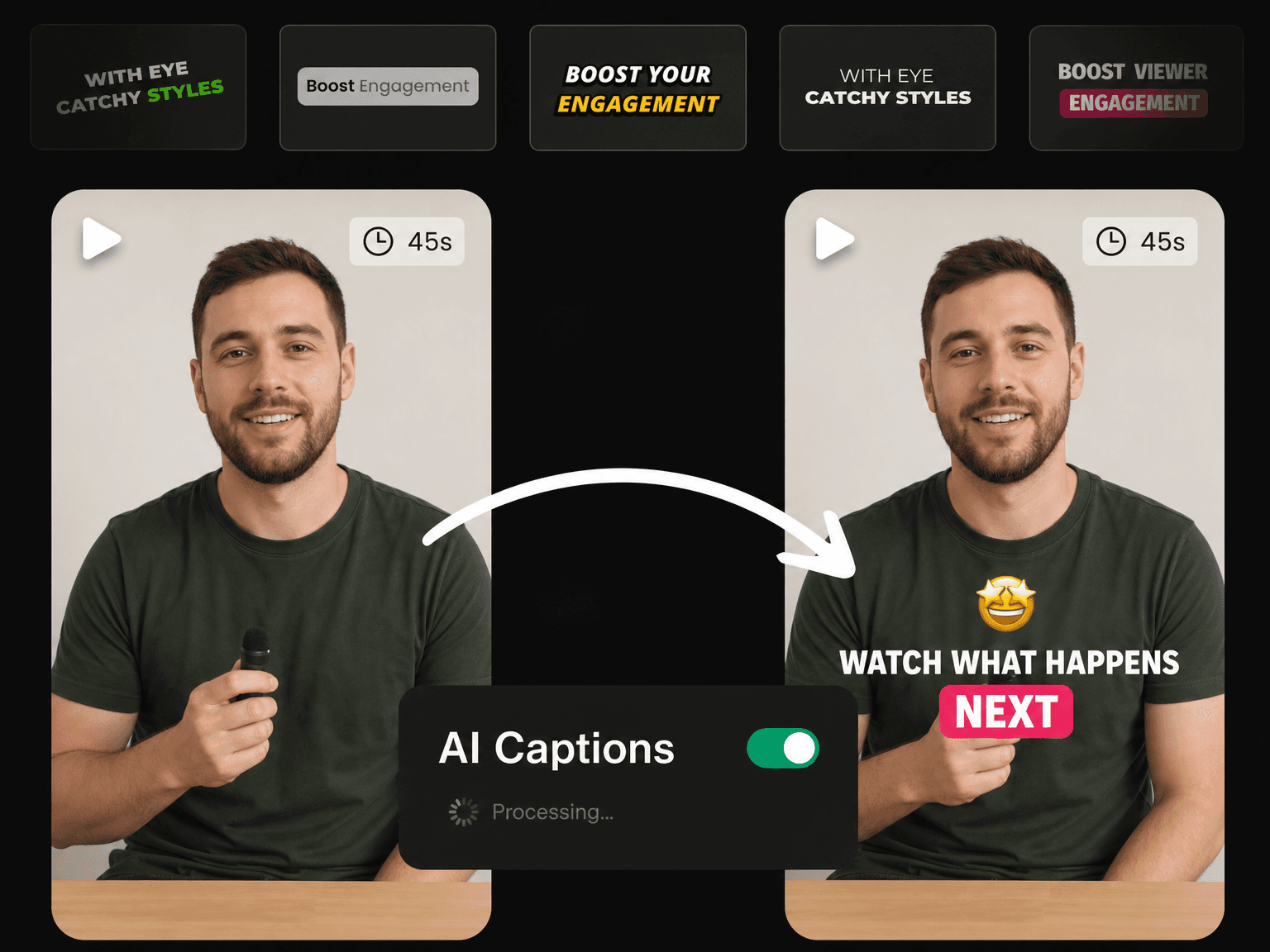
What You Get With Eliro Captions

Viral Caption Styles
Choose from 20+ styles used by top creators like MrBeast, Alex Hormozi and Ali Abdaal. One click gets you a scroll-stopping look with no design work needed.

AI Keyword Highlight
The AI finds the important words and highlights them for you, then adds emojis that match. Your captions grab attention with no extra work.

Cut, Zoom, Edit & Publish
Remove filler words, cut silences, add B-roll and zoom effects, then post. Everything you need to make engaging videos, all in one app.

Free & No Watermark
Generate stunning subtitles for free and export every video at full quality with no watermark. Post them straight to TikTok, Reels or Shorts instantly.
How to Add AI Captions to a Video in 3 Steps

Upload Your Video
Upload an MP4, MOV, WEBM or M4V file. Your captions are ready in seconds, timed to every word you said.
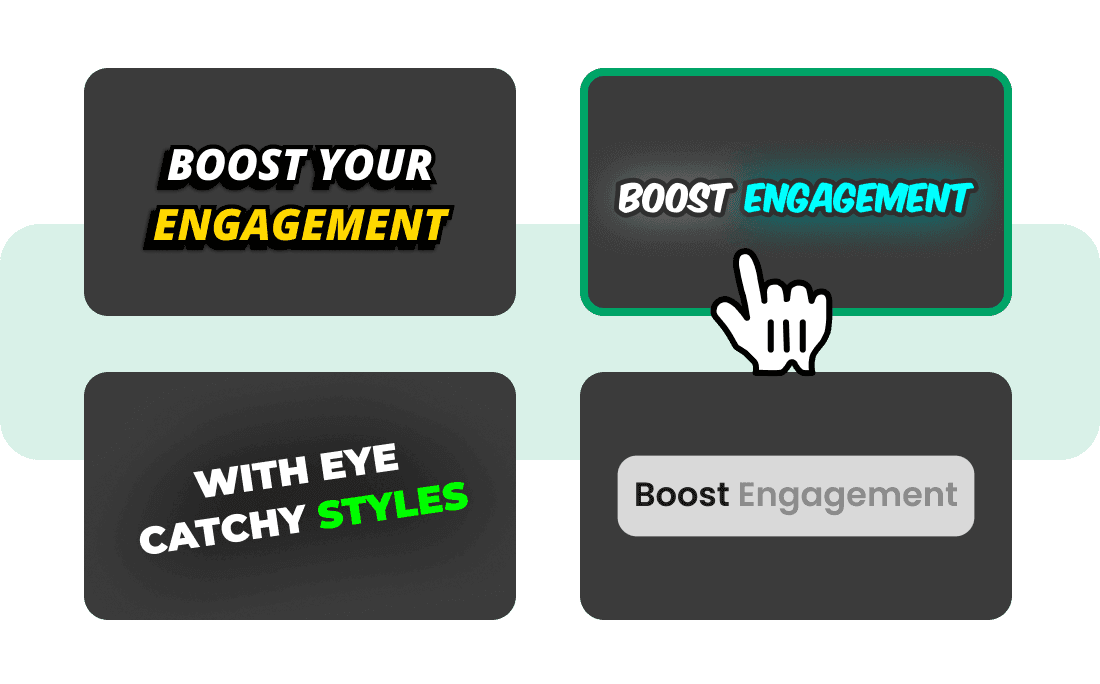
Pick a Caption Style
Choose from 20+ viral caption styles, then set the font, color, size and position until it matches your brand.
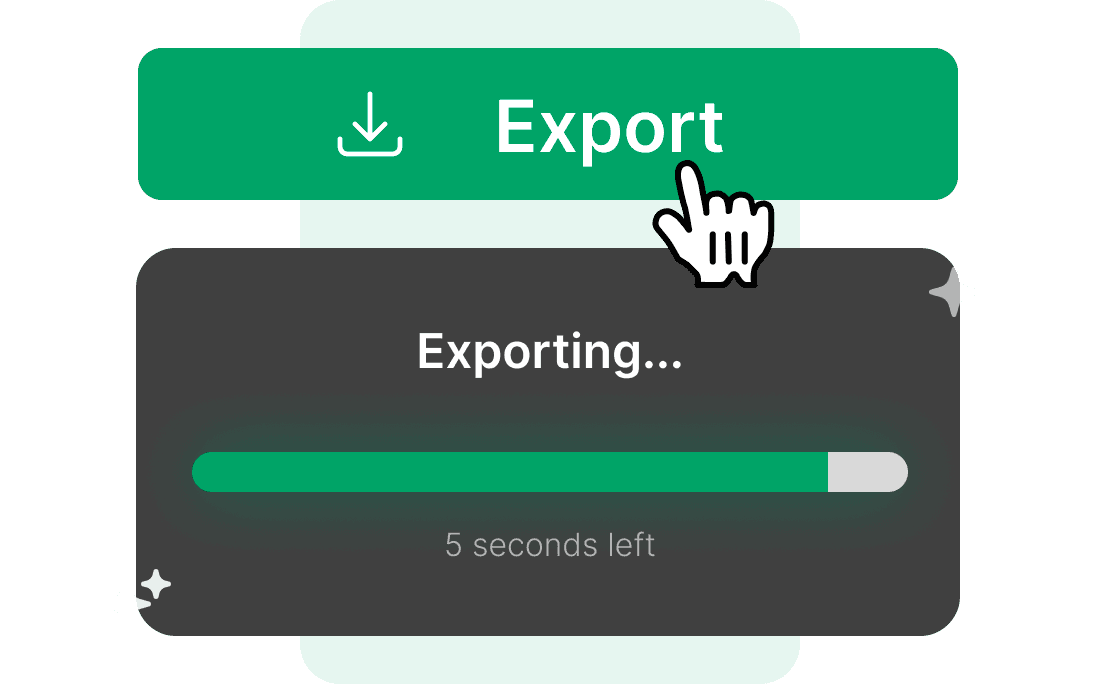
Export & Publish
Download the video with the captions inside it, or post straight to TikTok, Instagram and YouTube.
More Views, More Watch Time, Less Editing
Style Your Captions Like the Biggest Channels
You do not need a video editor or a motion designer. Pick one of 20+ styles used by top creators, and every word is styled, animated and highlighted for you automatically. Save your style once, and every video you make after that will use the same look.
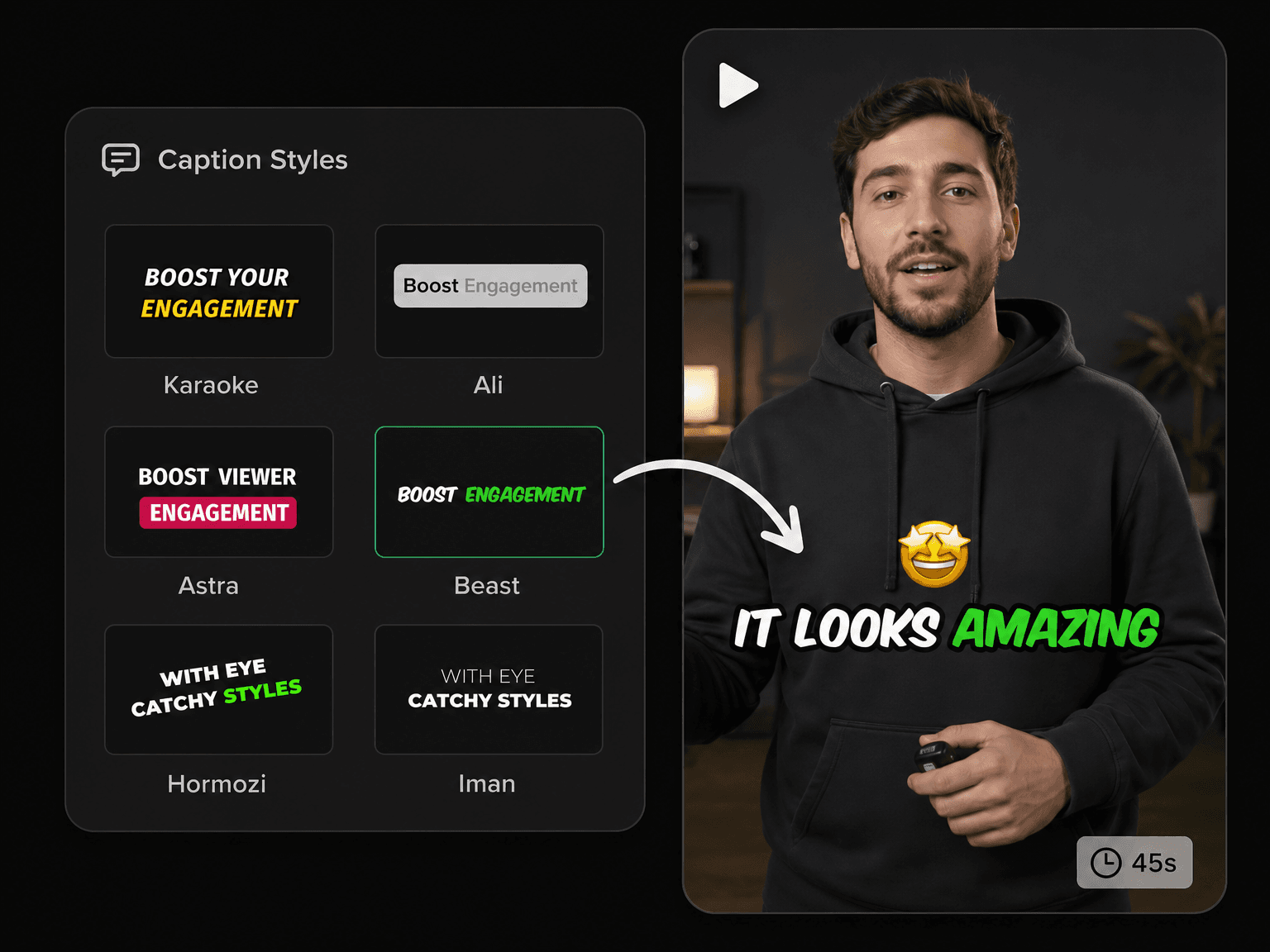
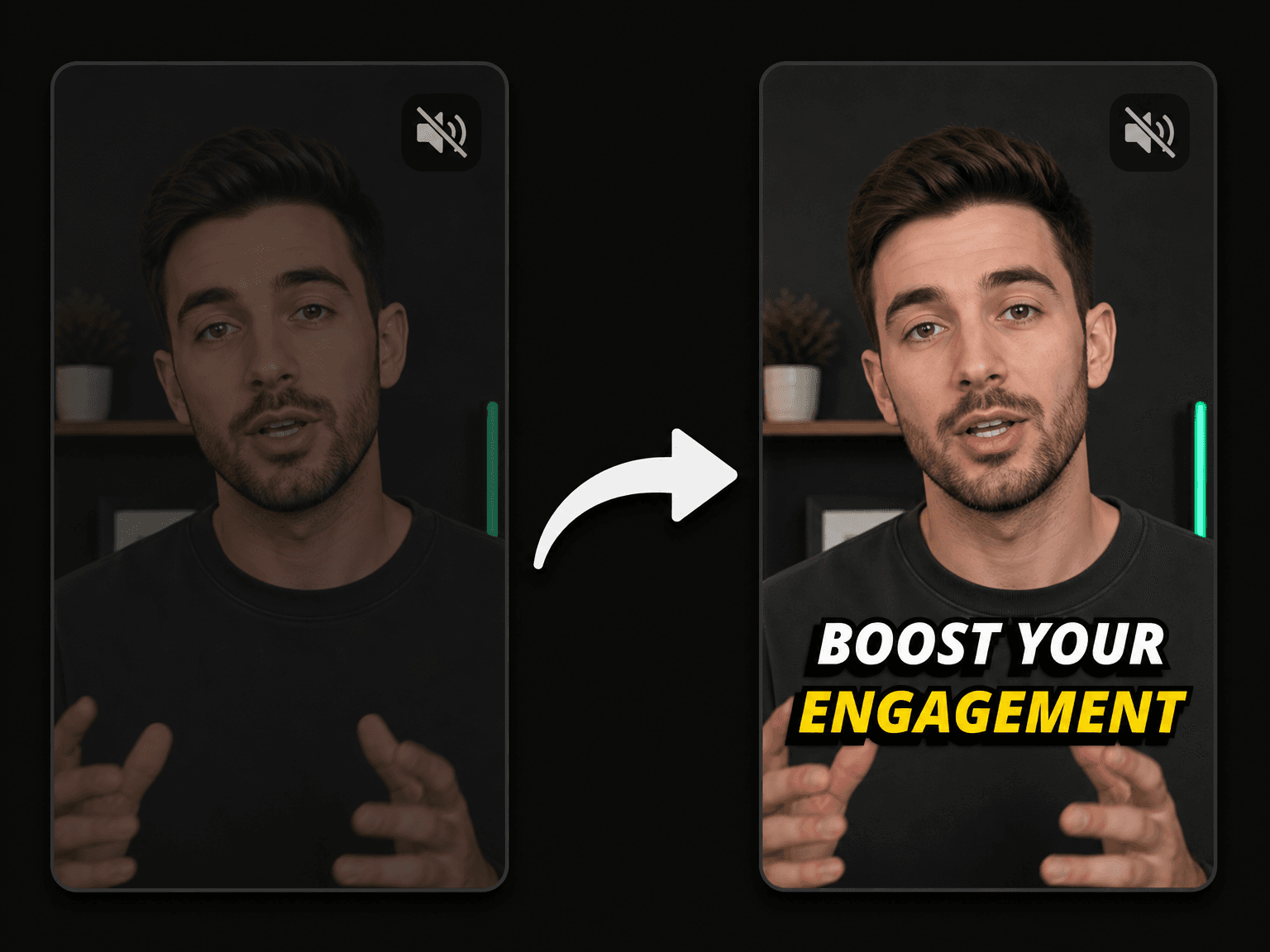
Win the Viewers Who Watch on Mute
Most apps play videos with the sound off, so a video without captions is silent when someone first sees it. That is the exact moment they choose to keep watching or scroll away. Captions give them something to read straight away, even in a noisy place.
Everything Else Your Video Needs
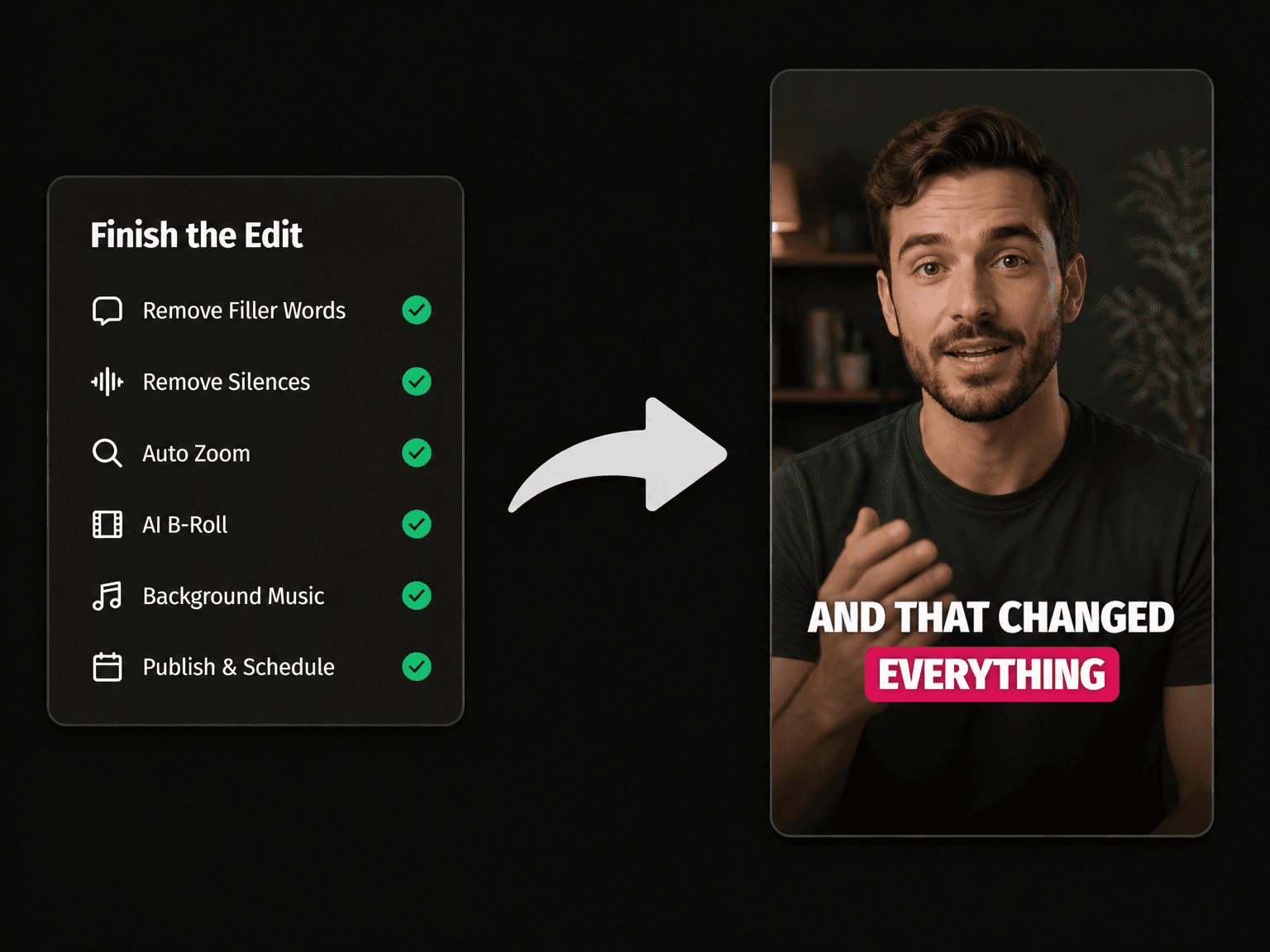
Remove Filler Words
Remove every "um" and "you know" from your audio in one click.

Remove Silences
Cut the long pauses between your sentences so the video never feels slow.

Auto Zoom & Pan
Zoom in on your most important lines so the video always feels alive.
AI B-Roll
Add stock or AI-made clips on top of the parts you want to cover.
Sound Effects
Add a whoosh, pop or ding so the key moments in your video get noticed.

Background Music
Add background music under your voice, without making it hard to hear.
AI Video Editor
Open your video in the full editor to make any final changes.

Publish & Schedule
Post your finished video to TikTok, Instagram, YouTube and Facebook.
Learn more about what you can do
AI Caption Generator FAQs
Do captioned videos export with a watermark?
What caption styles can I choose from?
Can I change the font, color and position myself?
What if the AI gets a word wrong?
How long does captioning take?
Which languages can it caption?
What video files can I upload?
Will the captions work on TikTok, Reels and Shorts?
Are captions and subtitles the same thing?
Is there a free plan?
Discover more
- Free AI Subtitle Generator
- Add Subtitles to Video Online
- Auto Subtitle Generator
- Hardcode Subtitles
- Animated Subtitle Maker
- Podcast Subtitle Generator
- Add Subtitles to TikTok Videos in Seconds
- Add Subtitles to YouTube Videos
- Add Subtitles to Facebook Video
- Add Captions to YouTube Shorts
- Add Subtitles to Instagram Reels
- CapCut Alternative