AI Video Resizer
YouTube wants 1920x1080, TikTok wants 1080x1920, Instagram's feed wants square — and re-exporting the same project three times from your editor is how an afternoon disappears. Eliro resizes one upload to every output spec, upscaling with AI where the source is too small and protecting text and faces where it isn't.
- Exact Output Specs per Platform
- 720p to 4K AI Upscaling
- Every Size from a Single Upload
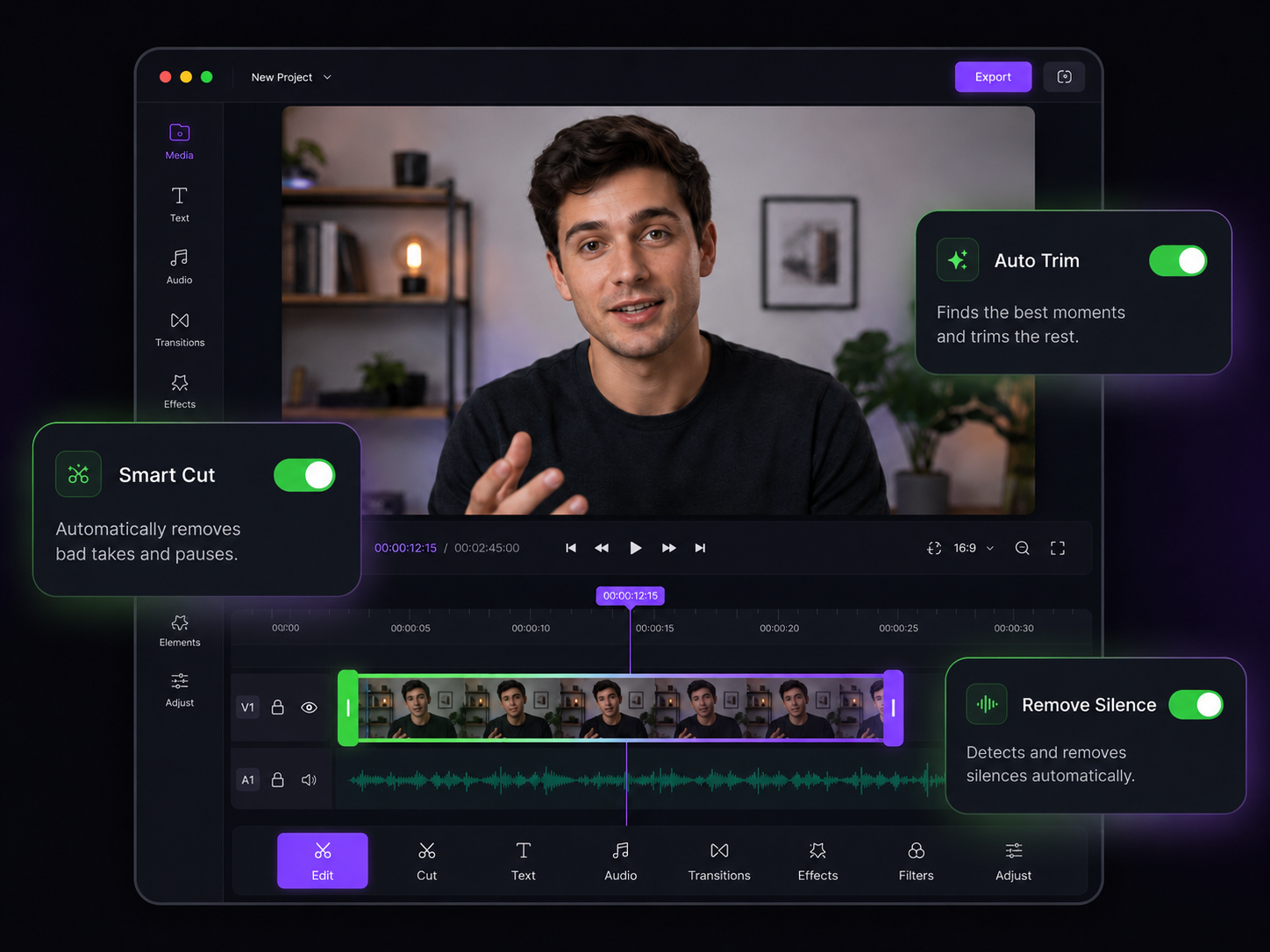
The Right Dimensions for Every Destination
Output specs handled by presets, image quality handled by AI

AI Super-Resolution
Old 720p footage in a 4K world? The AI reconstructs detail as it upscales, instead of the soft, blurry stretch that standard interpolation produces.

Presets That Match the Spec Sheets
YouTube 1920x1080, TikTok and Stories 1080x1920, Instagram feed 1080x1080, Twitter 1280x720, LinkedIn — one click each, no spec-sheet hunting.

Faces and Text Protected
The AI scales different frame content differently: on-screen text stays readable, faces stay sharp, and backgrounds scale smoothly.

Every Platform in One Export
Select several targets and get a correctly sized file for each — TikTok, YouTube, Instagram, and Twitter versions from a single upload.

Subtitles and Metadata Survive
Embedded subtitles, chapter markers, and metadata are preserved and scaled with the frame, so nothing breaks in the conversion.

Odd Sizes Welcome
Type in any pixel dimensions for digital signage, LED walls, presentation screens, and other non-standard displays.
Pick a Size, Get the File

Upload Once
Drag in your video at whatever resolution you have. MP4, MOV, AVI, MKV, and WebM are all accepted.

Choose Presets or Pixels
Pick one platform preset, several at once, or exact custom dimensions. The preview shows the AI-scaled output before you commit.
Download Every Version
Export a correctly sized file for each destination — or publish them straight to the platforms from Eliro.
Beyond Resizing
Dimensions are one delivery spec — these tools handle the rest.
AI Video Cropper
Resizing keeps the whole frame; reach for the cropper when you need to reframe to a new shape.
AI Video Trimmer
Trim dead air before resizing so you're not processing footage you'll cut anyway.
AI Video Enhancer
Pair upscaling with color and sharpness enhancement when reviving old footage.
AI Video Compressor
Meet platform file-size limits after exporting at full resolution.
AI Subtitle Generator
Captions scale with the output so they stay readable at every size.
AI Video Rotator
Fix orientation before resizing so the dimensions land the right way around.
Learn more about what you can do
Related Pages
Descript Alternative | Eliro vs Descript
Compare Eliro and Descript. Eliro generates complete videos from one prompt in 30 seconds.
TemplatePromo Video Maker — Sale-Ready in Minutes | Eliro
Make a promo video for your sale, launch, or event without an agency. Describe the offer; Eliro builds visuals, voiceover, and CTA in every ad format.
Free ToolFree Video Compressor | Reduce File Size Without Quality Loss
Compress videos for free without losing quality. Reduce file size by up to 90% for faster uploads, email attachments, and storage savings.
GuideHow to Make a Video Ad with AI — Script to Launch | Eliro
Learn how to make a video ad with AI: write the offer, generate hook variations, and export the right ratio for every placement. Test more creatives for less.