AI Video Rotator
A clip recorded sideways. A drone shot with a tilted horizon. Selfie footage that mirrored your logo. Orientation problems are small, but they make footage unusable — and fixing an angle normally costs you black corners or a hard crop. Eliro rotates to any angle and fills the exposed edges with AI-generated scene content instead.
- One-Click Sideways Fix
- Auto Horizon Leveling for Drone Shots
- AI Fills the Corners — No Crop Needed
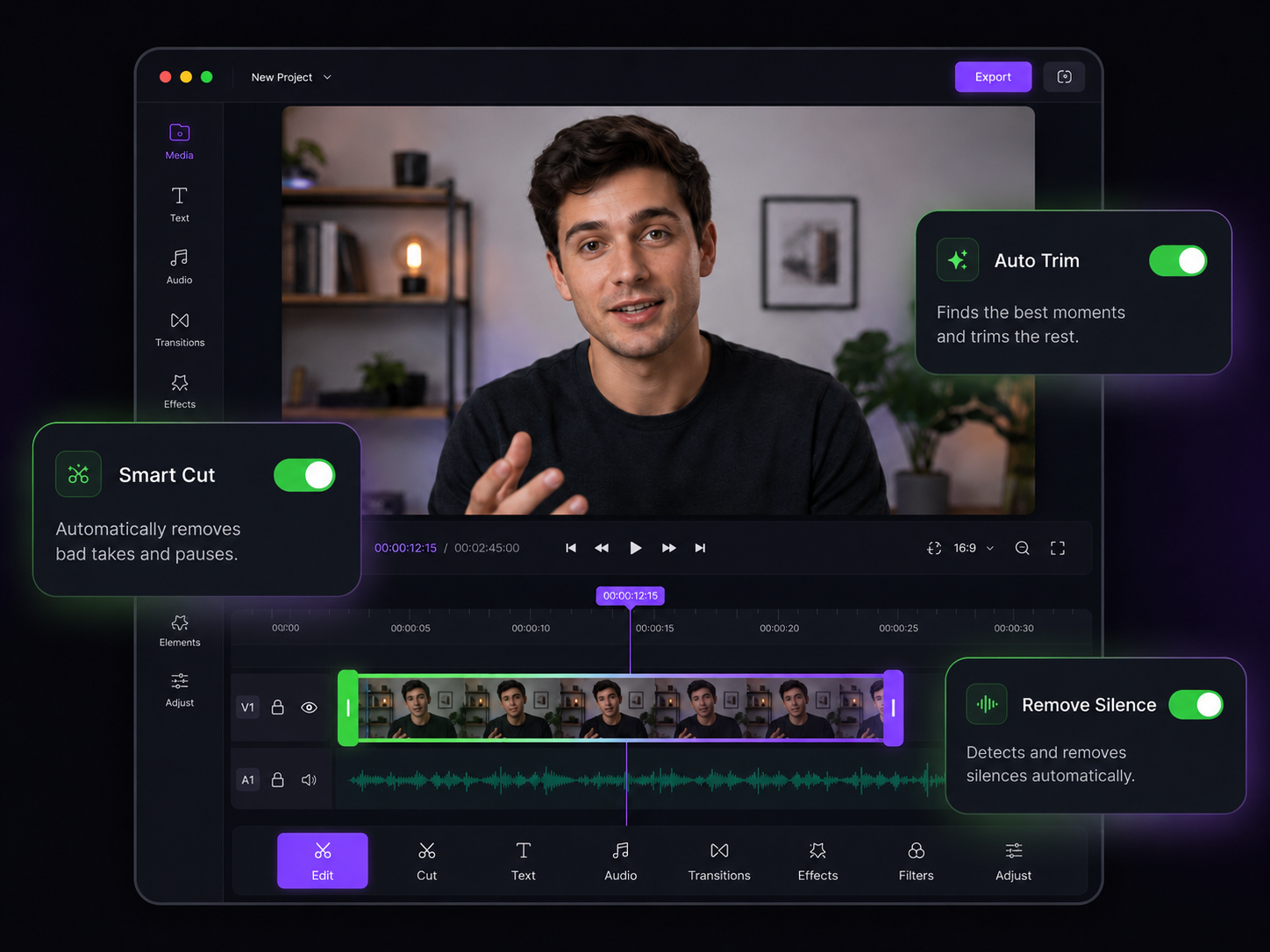
Rotation Without the Trade-Offs
Fix orientation, level horizons, and tilt for style — while keeping the full frame

Corners Filled by AI
Rotating to an odd angle exposes empty triangles at the edges. The AI extends skies, walls, and backgrounds into them so the frame stays full.

Sideways? One Click.
Phone recorded in the wrong orientation? The 90, 180, and 270-degree presets fix it instantly, with zero quality loss.

Horizon Leveling
The AI spots a tilted horizon in drone or handheld footage, calculates the exact correction angle, and straightens the shot for you.

Dutch Angles on Purpose
Dial in any tilt with 0.1-degree precision when the crooked look is intentional — stylized B-roll, music videos, dramatic reveals.

Mirror Fixes
Un-flip selfie-mode footage where your logo or whiteboard reads backward. Horizontal and vertical flips are one click each.

Animated Tilts
Keyframe the rotation to change over time — start level, drift into a tilt, and settle back for dynamic motion inside a single clip.
Straightening a Video

Add the Crooked Clip
Upload the sideways, tilted, or mirrored video. MP4, MOV, AVI, MKV, and other major formats all work.

Pick the Fix
Tap a 90/180/270 preset, type a custom angle, or let auto horizon leveling find the correction. The AI edge fill previews live.
Export Full-Frame
Download the corrected video with clean, filled edges — no black bars, no crop, no lost pixels.
Fix the Rest of the Footage
Orientation is often just the first problem with run-and-gun clips.
AI Video Cropper
After straightening, reframe the clip for vertical feeds with subject tracking.
AI Video Stabilizer
A tilted handheld clip is usually shaky too — smooth it out after leveling.
AI Video Resizer
Output the corrected clip at the exact dimensions your platform wants.
AI Video Trimmer
Cut the fumbling seconds at the start where the camera was being righted.
AI Video Noise Remover
Clean up grain on low-light phone clips while you're fixing them.
AI Video Editor
Finish the edit — zooms, captions, B-roll — without leaving Eliro.
Learn more about what you can do
Related Pages
Descript Alternative | Eliro vs Descript
Compare Eliro and Descript. Eliro generates complete videos from one prompt in 30 seconds.
TemplatePromo Video Maker — Sale-Ready in Minutes | Eliro
Make a promo video for your sale, launch, or event without an agency. Describe the offer; Eliro builds visuals, voiceover, and CTA in every ad format.
Free ToolFree Video Compressor | Reduce File Size Without Quality Loss
Compress videos for free without losing quality. Reduce file size by up to 90% for faster uploads, email attachments, and storage savings.
GuideHow to Make a Video Ad with AI — Script to Launch | Eliro
Learn how to make a video ad with AI: write the offer, generate hook variations, and export the right ratio for every placement. Test more creatives for less.