AI Video Speed Changer
Slow 30fps footage to quarter speed and you get a slideshow; speed a tutorial up to 2x and the narrator turns into a chipmunk. Eliro fixes both ends — AI frame interpolation invents the in-between frames that smooth slow motion needs, and pitch correction keeps voices natural when you speed things up.
- Smooth Slow-Mo from Standard 30fps Footage
- Voices Stay Natural at 2x and Beyond
- Ramp Speed Up and Down Mid-Clip
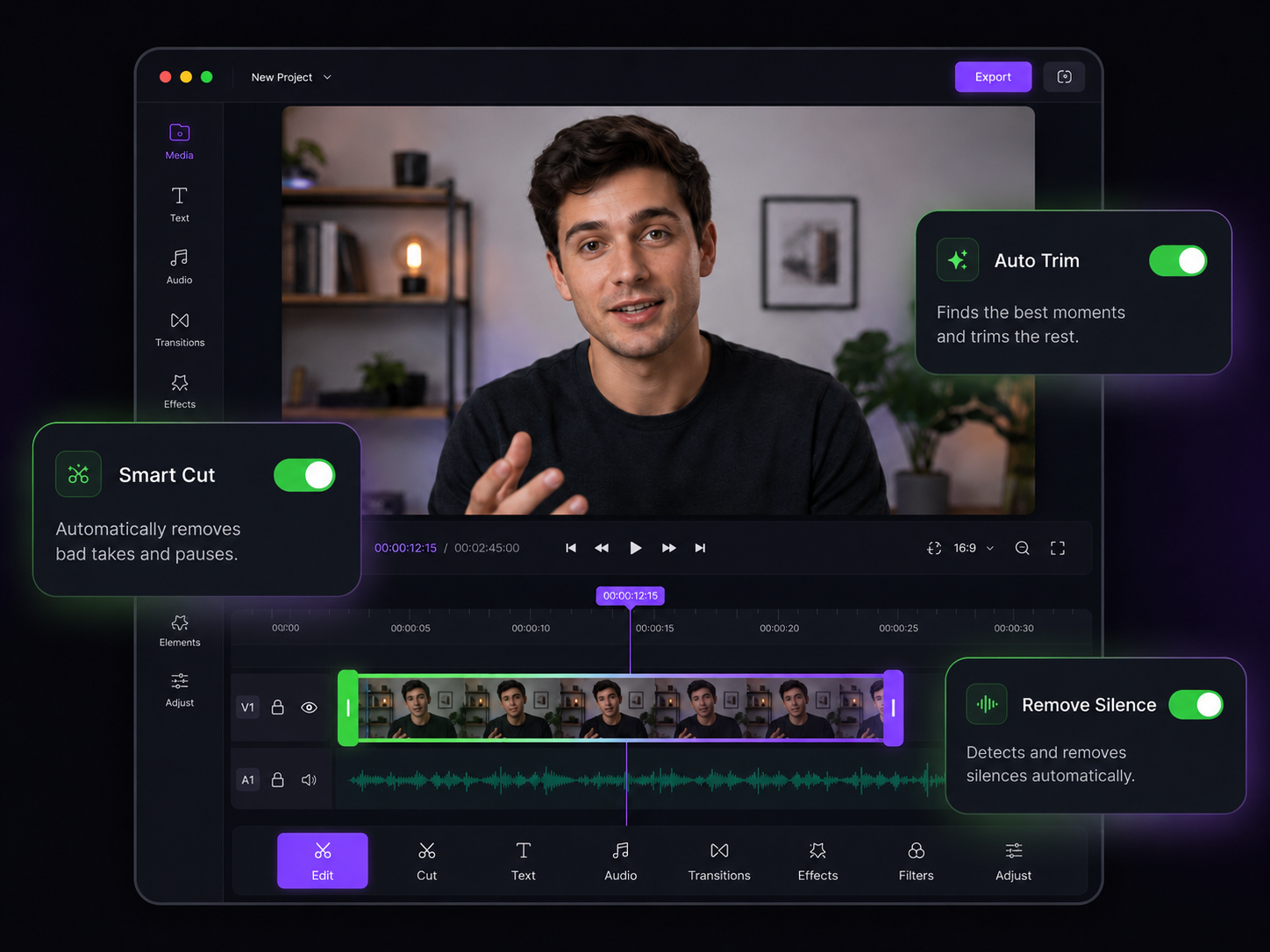
Speed Control That Survives the Export
Interpolated frames for slow motion, corrected pitch for speed-ups

Frames That Didn't Exist
The AI generates new in-between frames, so 30fps footage slowed to 10% plays like it was shot on a high-frame-rate camera instead of stuttering through repeats.

No Chipmunk Audio
Tempo changes, pitch doesn't. A tutorial at 2x keeps the narrator's natural voice, and a slowed clip doesn't drop into a demonic rumble.

Speed Ramps
Decelerate into the trick, the goal, or the reveal, then accelerate out. Cinematic ramping curves — the backbone of sports, skate, and car edits.

Per-Section Speeds
Run the intro at 1.5x, the highlight at quarter speed, and the outro at normal — different speeds for different segments, all in one export.

Quick Presets
0.25x, 0.5x, 1.5x, 2x, 4x, 8x at a click — or type any custom value when the preset isn't quite right.

Time-Lapse from Real Time
Compress hours of footage into seconds. AI stabilization smooths the accelerated motion so the time-lapse doesn't jitter.
Setting the Pace

Upload the Clip
Drop in your video or paste a URL — sports footage, tutorials, B-roll, anything in MP4, MOV, AVI, or MKV.

Choose Speeds and Ramps
Pick a preset, type a custom value, or set different speeds per section. Preview the interpolated result before exporting.

Export Smooth Motion
Download the clip with fluid frames and natural-sounding audio at the new pace — or publish it straight to your platforms.
More Pacing Tools
Speed is one part of pacing — these cover the rest of the rhythm.
AI Video Trimmer
Sometimes the fix is cutting the slow part, not speeding through it.
AI Video Stabilizer
Slow motion magnifies camera shake — stabilize before you slow down.
AI Video Merger
Join your ramped clips into one sequence with clean transitions.
AI Video Splitter
Isolate the highlight before slowing it to quarter speed.
AI Video Resizer
Export the finished edit at each platform's exact dimensions.
AI Video Editor
Add zooms and cuts around your speed ramps in one timeline.
Learn more about what you can do
Related Pages
Descript Alternative | Eliro vs Descript
Compare Eliro and Descript. Eliro generates complete videos from one prompt in 30 seconds.
TemplatePromo Video Maker — Sale-Ready in Minutes | Eliro
Make a promo video for your sale, launch, or event without an agency. Describe the offer; Eliro builds visuals, voiceover, and CTA in every ad format.
Free ToolFree Video Compressor | Reduce File Size Without Quality Loss
Compress videos for free without losing quality. Reduce file size by up to 90% for faster uploads, email attachments, and storage savings.
GuideHow to Make a Video Ad with AI — Script to Launch | Eliro
Learn how to make a video ad with AI: write the offer, generate hook variations, and export the right ratio for every placement. Test more creatives for less.