AI Video Stabilizer
You got the shot — the hike, the street walkthrough, the run down the slope — but on playback it looks like an earthquake. Reshooting isn't an option and a gimbal wasn't in the bag. Eliro's AI Video Stabilizer separates the camera movement you intended from the shake you didn't, so handheld footage plays back smooth without the brutal crop traditional stabilizers apply.
- Keeps Up to 95% of Your Frame
- Fixes Rolling Shutter Wobble
- Phone, Drone & Action Cam Footage
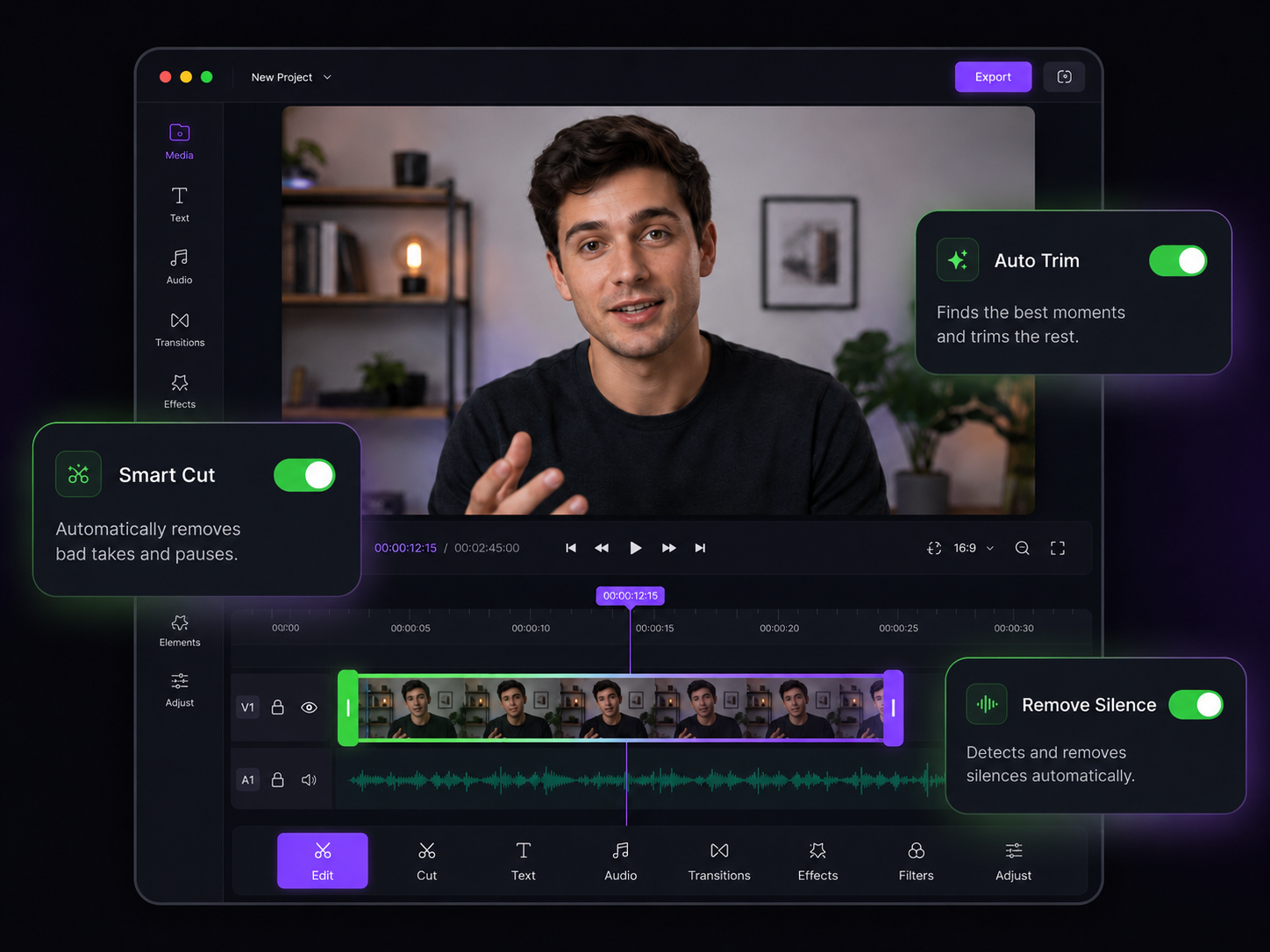
Stabilization That Doesn't Eat Your Frame
Motion-aware AI instead of crop-and-warp guesswork

Knows a Walk from a Wobble
The AI models your intended camera path first, then removes only the deviation from it. A walking vlog keeps its forward momentum — the per-step jolt disappears.

Your Composition Stays Intact
Old-school stabilizers zoom in 20-30% to hide the correction, cutting off heads and horizons. Frame synthesis fills the edges instead, preserving up to 95% of the original frame.

No More Jello Effect
Phone and drone sensors scan line by line, which turns vibration into wobbly, rubbery distortion. Rolling shutter correction runs alongside stabilization to straighten it out.

Dial In the Feel
Choose how steady you want it: a light pass that keeps the documentary handheld energy, a full lock that reads like a tripod, or a horizon lock for that gimbal glide.

Tuned for GoPro and DJI
Action cam footage brings fisheye distortion, engine vibration, and fast pans all at once. A dedicated processing mode handles those conditions instead of choking on them.

Fix the Whole Shoot at Once
Came home with thirty shaky clips from one trip? Queue them all with the same settings and stabilize the entire card in a single batch.
How AI Stabilization Works

Upload the Shaky Clip
Drop in phone footage, GoPro runs, drone passes, or any handheld recording. Every major format is accepted.

AI Maps the Motion
The camera path is tracked frame by frame, intentional movement is separated from shake, and corrections are applied with frame synthesis filling the edges.

Compare, Then Export
Check the side-by-side before/after preview, tweak the stabilization strength if needed, and download the smooth version in full quality.
Finish What the Stabilizer Started
Shake is rarely the only problem with run-and-gun footage. These help with the rest.
AI Video Noise Remover
Clean up the grain that low-light handheld shooting leaves behind.
AI Video Speed Changer
Turn a stabilized action run into smooth slow motion with frame interpolation.
AI Video Cropper
Reframe stabilized wide shots to vertical without losing your subject.
AI Video Rotator
Level a tilted clip with AI filling the corners instead of cropping them.
AI Video Enhancer
Sharpen and color-correct footage shot fast in imperfect conditions.
AI Video Editor
Cut your stabilized clips into a finished travel or action edit.
Learn more about what you can do
Related Pages
Descript Alternative | Eliro vs Descript
Compare Eliro and Descript. Eliro generates complete videos from one prompt in 30 seconds.
TemplatePromo Video Maker — Sale-Ready in Minutes | Eliro
Make a promo video for your sale, launch, or event without an agency. Describe the offer; Eliro builds visuals, voiceover, and CTA in every ad format.
Free ToolFree Video Compressor | Reduce File Size Without Quality Loss
Compress videos for free without losing quality. Reduce file size by up to 90% for faster uploads, email attachments, and storage savings.
GuideHow to Make a Video Ad with AI — Script to Launch | Eliro
Learn how to make a video ad with AI: write the offer, generate hook variations, and export the right ratio for every placement. Test more creatives for less.