AI Consistent Character Video Generator
You've seen it: an AI-generated protagonist walks into scene two with a different jawline and a new jacket. That morphing is what kills story channels, episodic explainers, and mascot-driven brands before they start. Eliro locks a character's face, build, hair, and wardrobe into a reusable profile—so episode twelve looks like episode one, and your audience actually recognizes who they're watching.
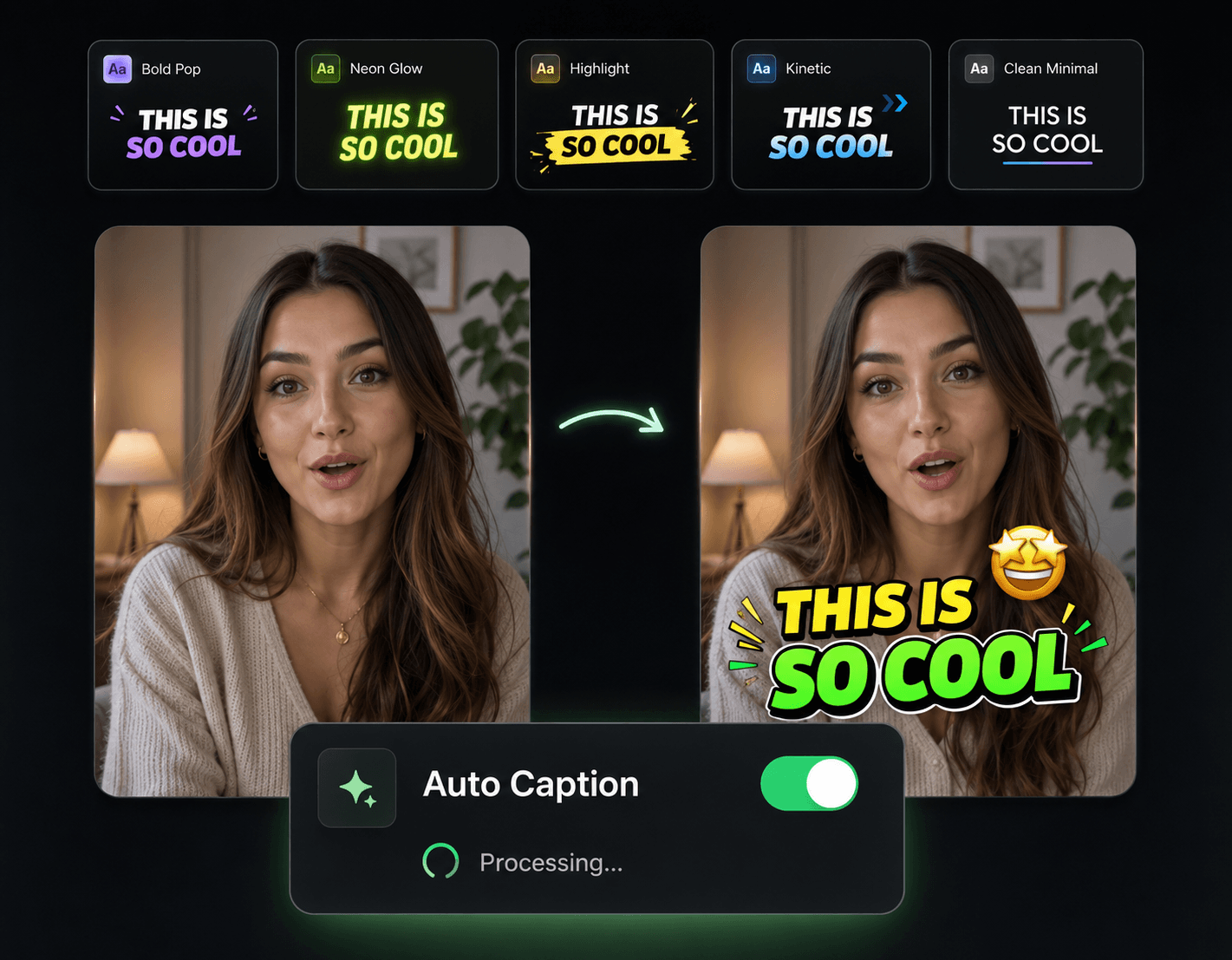
One Character Profile, Every Scene, Every Episode
Continuity tools for storytellers building a cast instead of one-off clips

Locked Character Profiles
Describe your character or upload a reference, and the AI fixes their face, body type, hair, and outfit. Every later frame is generated against that profile—no drift between cuts.
A Full Cast, Not Just a Lead
Run two, three, or five locked characters in the same shot. Your hero, sidekick, and villain each hold their own look even when they share a scene.
New Settings, Same Person
Move your character from a classroom to a spaceship to a rainy street. The environment, lighting, and camera angle change—their identity doesn't.
Saved Casts for Series Work
Store character profiles and reuse them across next week's episode, a spin-off, or a brand campaign. Recurring faces are how channels build recognition.
Lock In a Character, Then Let Them Act

Create the Profile
Write a description—"red-haired engineer in a green flight jacket"—or upload a reference image. The AI commits that look to a reusable profile.
Script the Scenes
Outline what happens and where. The AI generates each scene against your character profile, holding the same face and wardrobe through every angle and cut.
Check Continuity & Export
Scrub through and confirm your character matches frame to frame, regenerate any scene that needs it, then export for YouTube, TikTok, or wherever the series lives.
Give Your Cast a Finished Production
A consistent character is the skeleton of a series. These tools handle the score, the pacing, and the publishing schedule around them.

Background Music
Score each episode with a consistent musical theme so your series sounds as recognizable as your character looks.

Sound Effects
Footsteps, door creaks, ambient rooms—sound design that makes generated scenes feel inhabited.

Auto Transitions
Carry viewers between scenes and locations smoothly, the way episodic content is supposed to flow.

Publish & Schedule
Queue episodes ahead of time so your series drops on a schedule your audience can count on.
AI Video Editor
Re-cut scenes, tighten pacing, and assemble episodes on a full timeline without leaving Eliro.