Text to Speech Video Maker
You've got the footage—what's missing is the voice. No mic, no quiet room, no fifteen takes of the same sentence. Paste your narration text into Eliro, pick from hundreds of natural-sounding AI voices, and the speech drops straight onto your video timeline, ready to trim, sync, and export.
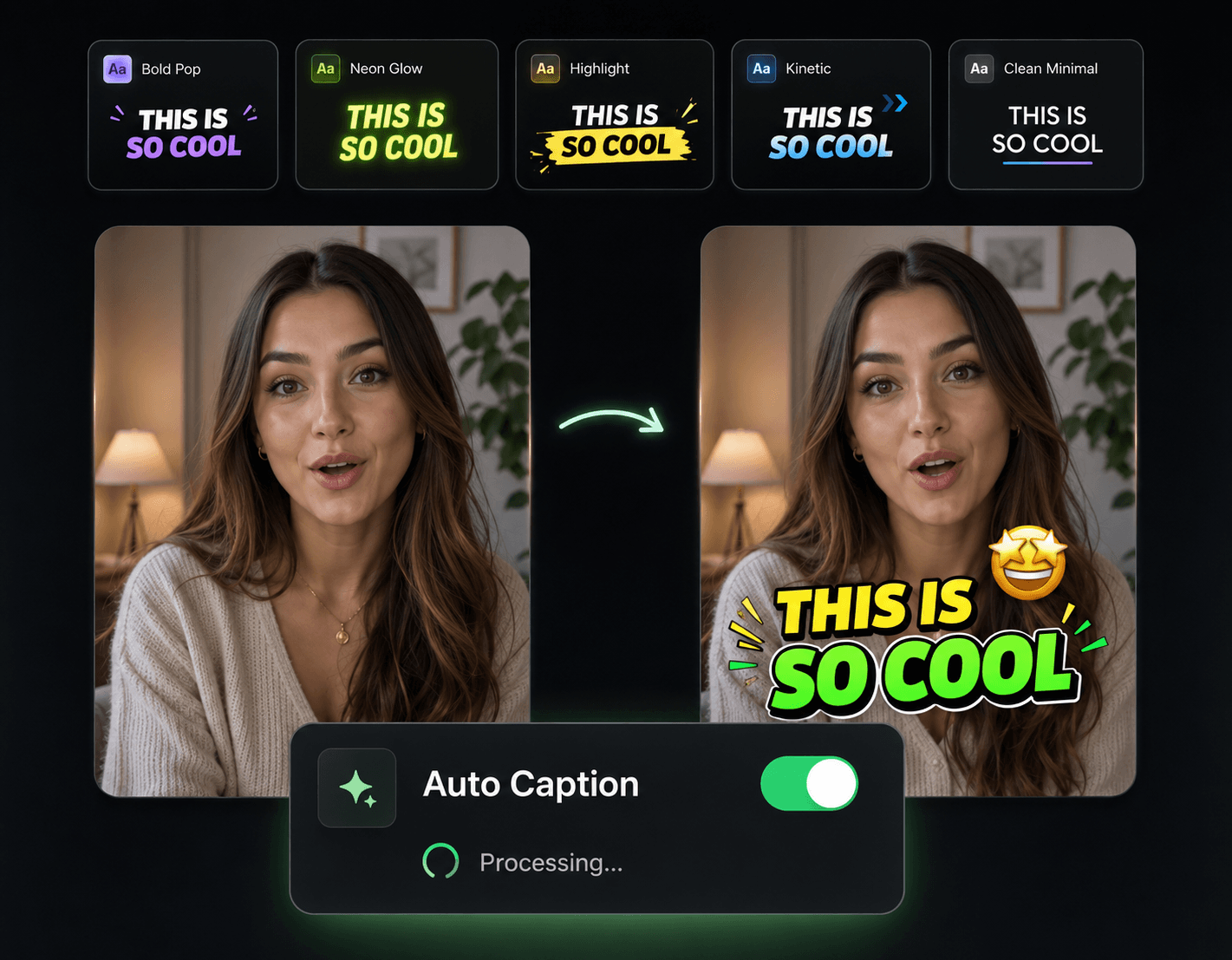
A Voice Track Without a Recording Session
Recording narration means gear, retakes, and editing out breaths. Typing it means none of that.

Reads Like a Person, Not a GPS
The neural voices pause at commas, land full stops, and lift on questions. Context-aware pronunciation handles tricky words without coaching.
Generated Onto Your Timeline
The speech isn't a separate MP3 you have to juggle—it appears as a clip on your video timeline, ready to trim, slice, and slide against your footage.
Hundreds of Voices to Cast From
Young or old, male or female, calm or energetic. Audition voices against your footage until the narrator fits the video.
Speed and Pitch You Control
Crank the pace for an energetic Short, slow it down and deepen it for storytelling. The same text can carry completely different moods.
Put Narration on Your Footage
Bring Your Visuals
Upload the video clips, images, or B-roll that need a voice over them.
Paste Text, Pick a Voice
Drop in your narration text, preview a few voices, and generate. The speech lands on your timeline as an editable audio clip.
Sync and Ship
Nudge your clips to match the narration, flip on synced captions if you want them, and export the finished video—or just the audio.
Build Around the Narration
Once the voice track is in place, these tools finish the audio and visual mix.

AI B-Roll Generation
Short on footage for the voice to sit over? Generate B-roll that matches what the narration says.

Background Music
Bed a music track under the TTS voice with levels that keep the narration clearly on top.

Sound Effects
Accent the narrator's key lines with hits and transitions timed to the speech.

Auto Transitions
Smooth scene changes that follow the narration's paragraph breaks without manual work.

Publish & Schedule
Ship the narrated video to YouTube, TikTok, or Instagram straight from the editor.