AI B-Roll Generator
Every editor knows the ritual: pause the timeline, open a stock site, type "person typing on laptop," scroll past the same ten clips every channel already uses. Eliro reads your script instead and generates B-roll matched to what you're actually saying — cutaways that land on the right beat, with footage no other video is running.
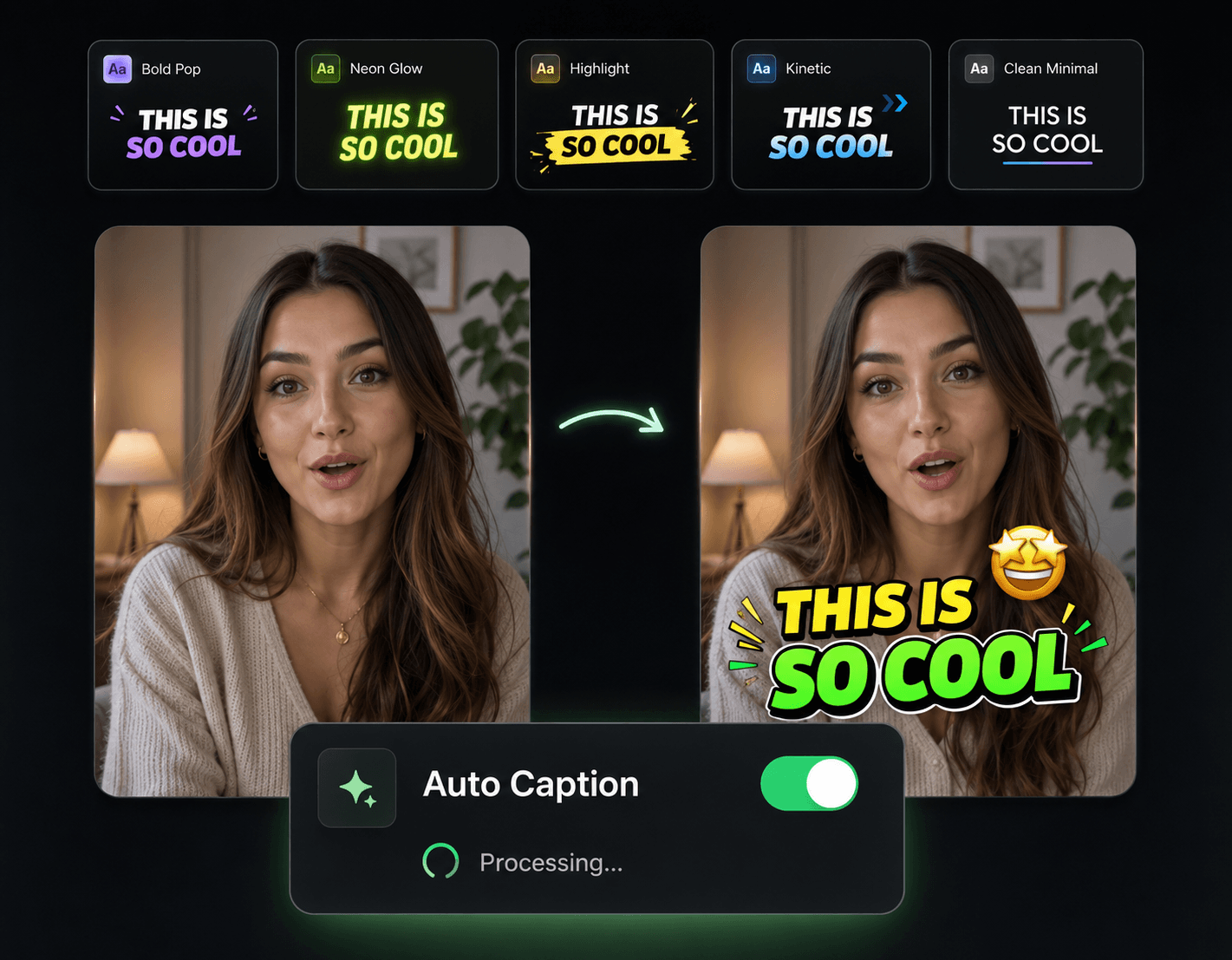
B-Roll That Matches the Sentence, Not Just the Topic
Cutaways chosen from your actual lines — not from a keyword guess

Reads the Script, Not Keywords
The AI understands what each section of your video is about and generates visuals for the specific point being made, not a vague theme.
Footage Nobody Else Is Using
Generated clips, not pulls from the same stock pool. Your cutaways won't show up in three other videos on the same topic this week.
Placed Where Attention Sags
Long talking-head stretches are where viewers drift. The AI suggests insert points at those moments, so the visual change arrives before the click away.
Cleared for Commercial Use
No per-clip licenses, no attribution lines in the description, no claims to dispute. Use the footage in monetized and client work freely.
How Script-Matched B-Roll Gets Made

Upload Your Talking-Head Edit
Bring in the video as it stands. The AI listens to the audio and maps out what each section covers.
Review the Generated Cutaways
B-roll clips appear matched to specific lines, with suggested insert points. Keep the good ones, regenerate the rest.
Drop Them In and Export
Accepted clips slot into the timeline at their moments. Nudge anything you want, then export the finished cut.
The Rest of the Talking-Head Toolkit
B-roll fixes the visual monotony — these handle everything else a one-camera video fights against.

Auto Zoom & Pan
Punch-ins between B-roll inserts, so even the A-roll keeps moving.

Remove Filler Words
Tighten the narration before generating B-roll — cleaner script, better-matched clips.

Auto Transitions
Smooth the seams where cutaways enter and exit instead of hard-cutting everything.

Sound Effects
A subtle whoosh as each cutaway lands sells the edit.

Background Music
An auto-ducked music bed that ties A-roll and B-roll into one continuous piece.