Social Media Video Scheduler
Finish the edit, export the file, AirDrop it to your phone, open three apps, paste three captions, post, repeat tomorrow. Or: finish the edit in Eliro, write the caption once, pick a time, and let it publish to TikTok, YouTube, and Instagram while you work on the next video.
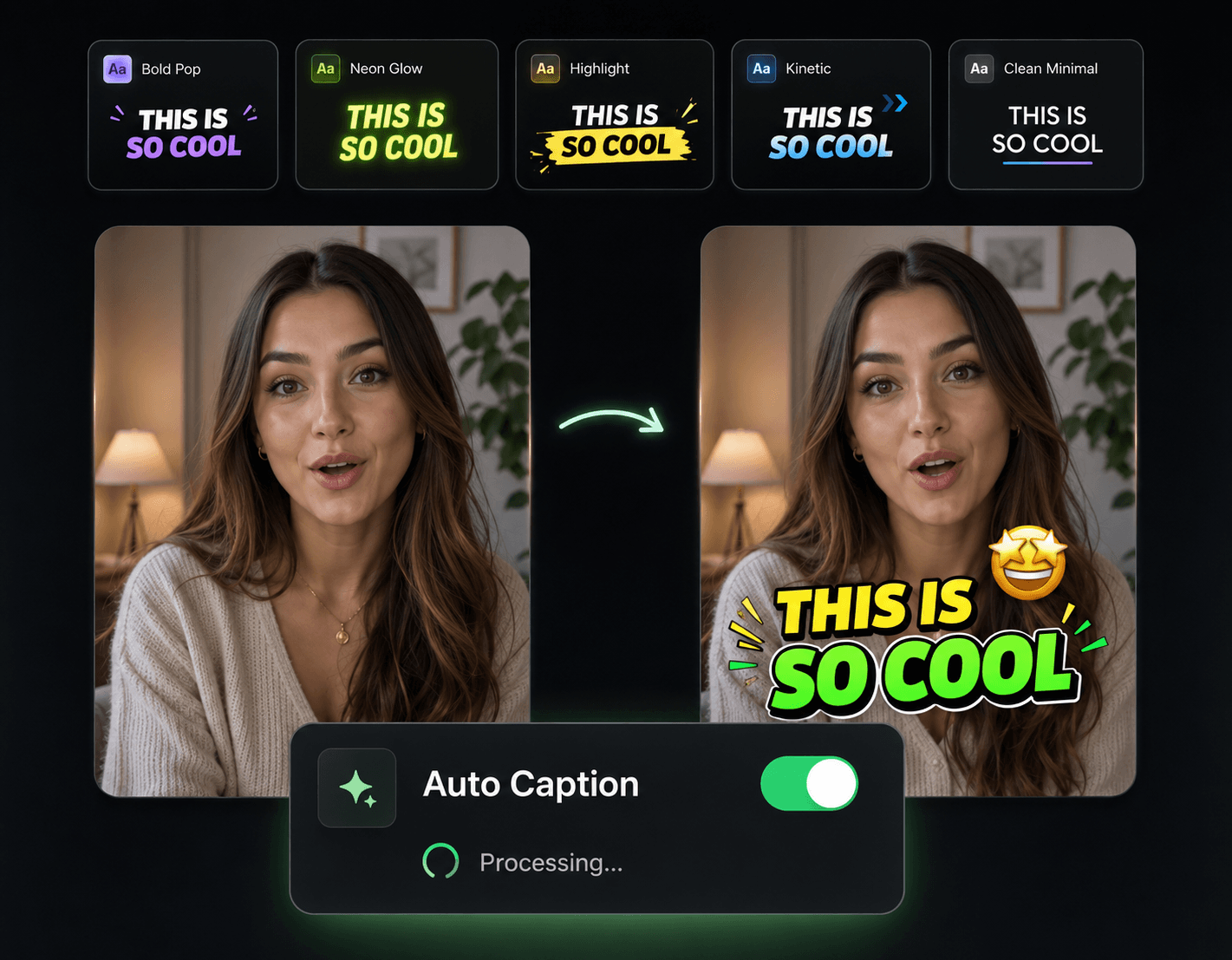
From Final Cut to Posted—Without Leaving the Tab
The gap between "video done" and "video live" is where posting streaks die. This closes it.

One Render, Three Platforms
Render once and queue the same video for TikTok, YouTube Shorts, and Instagram Reels. No re-exporting, no juggling three upload screens.
Publish While You Sleep
Your audience peaks at 7pm in a timezone where you're in bed. Schedule for their prime time and the cloud posts it on the dot.
No Camera-Roll Clutter
Stop downloading 4K exports just to re-upload them from your phone. The video goes from cloud editor to platform directly.
Captions, Hashtags, and Tags in One Place
Write descriptions, drop hashtags, and @-mention collaborators inside the scheduling screen—each platform gets its own version.
Queue a Post Before You Close the Editor

Lock the Edit
Finish your video with Eliro's subtitles, B-roll, and AI tools. Happy with the preview? Hit export—but don't download anything.
Connect and Caption
Link your YouTube, TikTok, or Instagram accounts, then write the title, description, and hashtags for each platform.
Pick the Time
Choose the exact date and minute. Eliro's servers handle the upload when it arrives—your laptop can be closed.
Fill the Queue with Videos Worth Posting
A scheduler is only as good as what's in it. These tools keep the pipeline stocked.
AI Video Editor
Produce the next batch of queue-ready videos with AI cuts and one-click polish.

Remove Filler Words
Clean the "ums" out of talking content before it goes into the posting queue.

AI B-Roll Generation
Keep scheduled videos visually fresh so a daily cadence doesn't start looking repetitive.

Auto Zoom & Pan
Add movement to static shots so every queued post holds attention in the feed.

Sound Effects
Give each scheduled video the audio polish that makes it feel hand-finished.