Remove Filler Words from Video
Listen back to your last recording and count the "ums." Painful, right? Eliro's AI finds every "um," "uh," "like," and "you know" in your speech, shows you the full list, and cuts them at natural breath points—so the result sounds like you nailed the take, not like a choppy jump-cut mess.
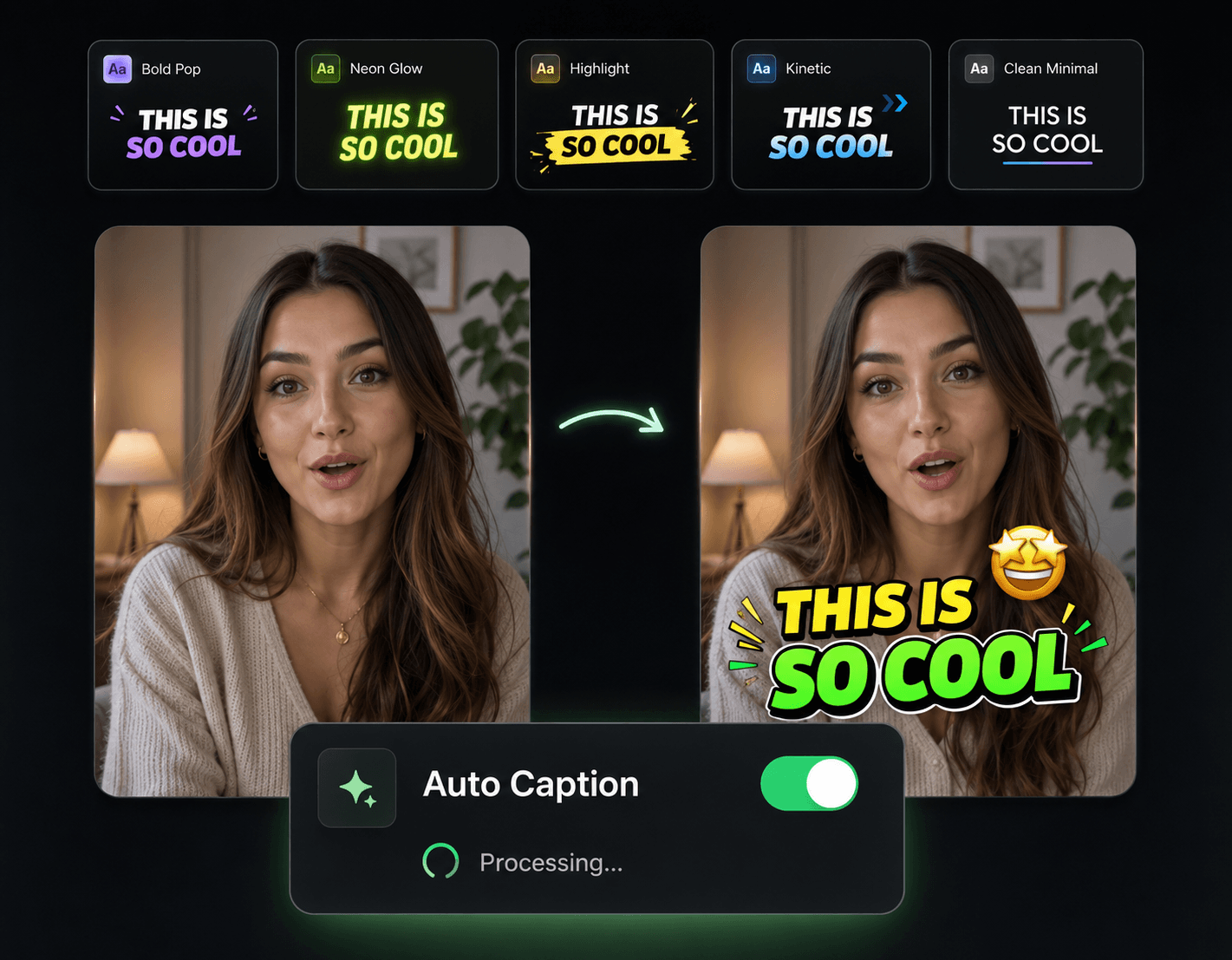
Filler Removal That Doesn't Sound Edited
The hard part isn't finding the "ums"—it's cutting them without leaving audible seams. That's what this is built for.

Catches More Than "Um"
"Uh," "like," "you know," "sort of," false starts, and long hesitations—the AI flags every verbal stumble, including the ones you stopped hearing in your own speech.
Cuts at Breath Points
Each removal lands on a natural pause in your delivery, so sentences still flow. No sped-up speech, no hard audio pops where the filler used to be.
You Approve Every Cut
Scan the detected list with timestamps and uncheck anything intentional. A thinking pause before your big point stays if you want it to.
Picture Stays Locked to Sound
Cuts apply to video and audio together. No drifting lips, no B-roll landing a half-second late after cleanup.
Clean Up a Recording Over a Coffee Break

Upload Your Recording
Talking-head video, podcast episode, course lesson, or tutorial—any video with speech, in MP4, MOV, AVI, and other common formats.
Review What the AI Flagged
Every "um," stumble, and hesitation shows up in a timestamped list. Keep what's deliberate, mark the rest for removal.
Cut Everything at Once
Apply all approved cuts in one click and export. What used to be an afternoon of timeline scrubbing is done before your coffee is.
After the Cleanup: Hide the Seams, Add the Polish

Auto Zoom & Pan
A subtle punch-in at each cut point turns a visible jump into what looks like a deliberate edit.

AI B-Roll Generation
Lay B-roll over the spots where fillers were removed and viewers never see the cut at all.

Background Music
A low music bed smooths the audio transitions left behind by dozens of small cuts.
AI Video Editor
Fine-tune any individual cut on a full timeline when the one-click result needs a nudge.

Publish & Schedule
Send the cleaned-up video straight to YouTube, TikTok, or Instagram on your schedule.