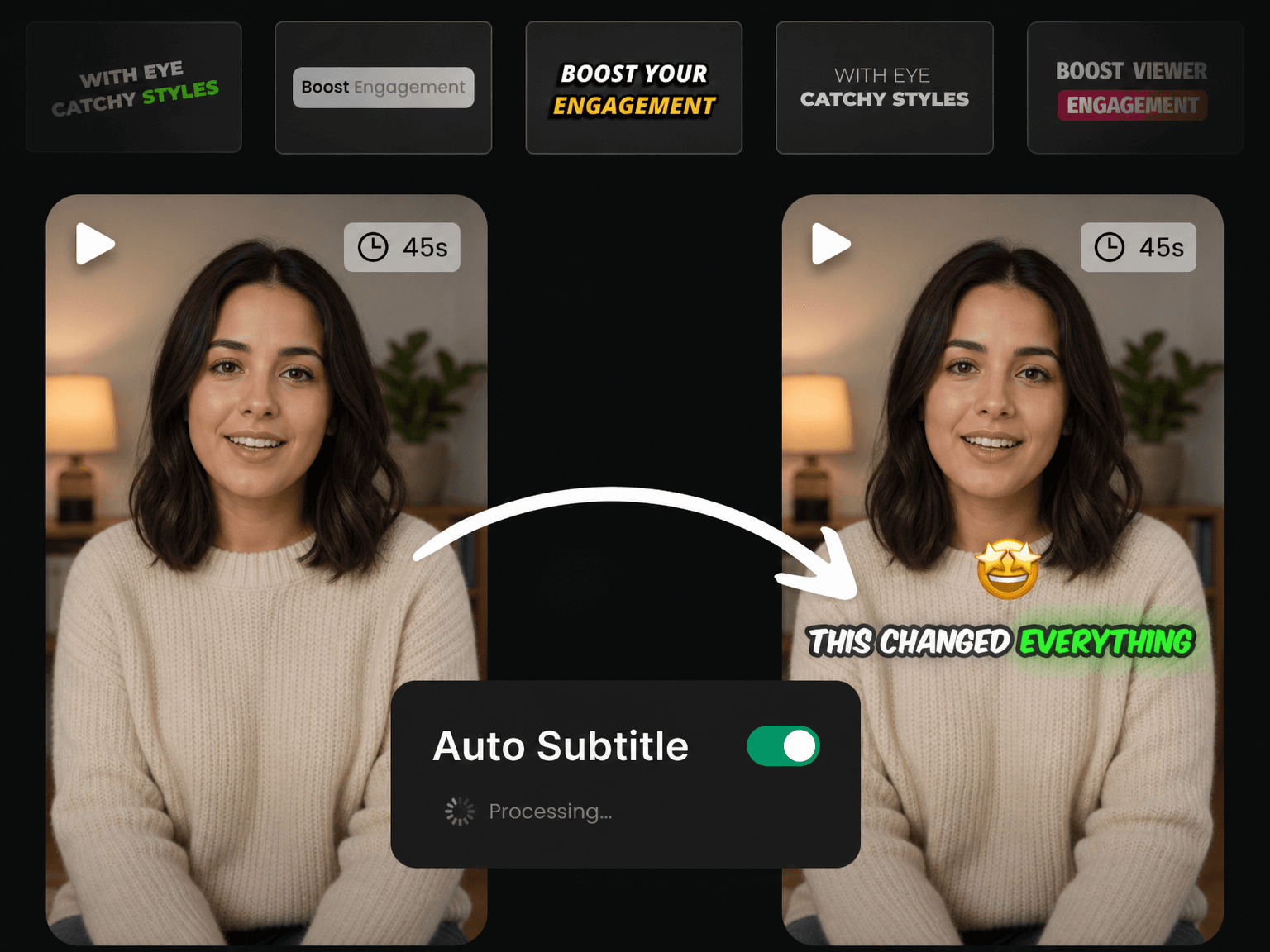
Why Creators Choose Eliro's Auto Subtitle Generator

Viral Caption Styles
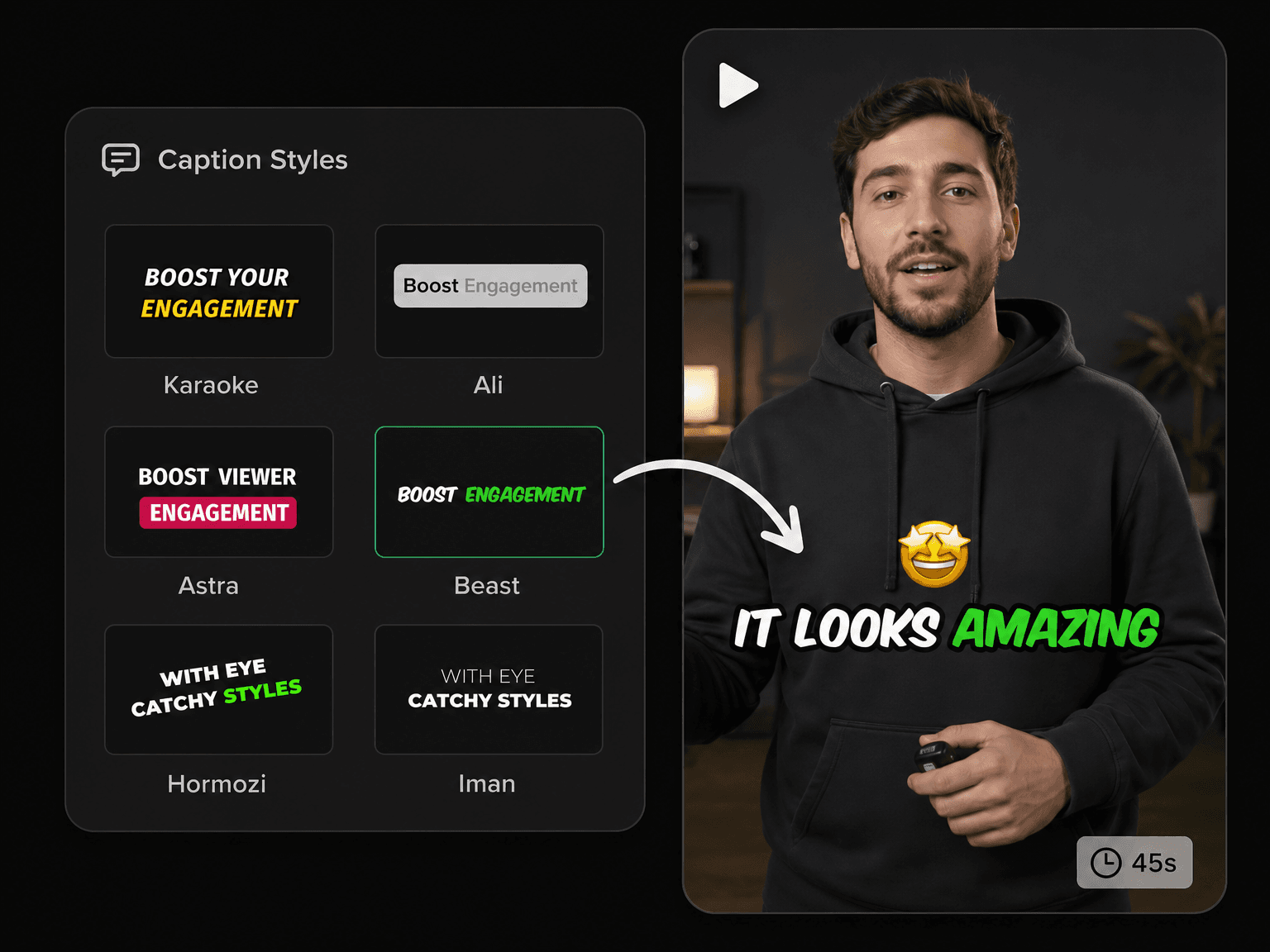
Choose from 20+ styles used by top creators like MrBeast, Alex Hormozi and Ali Abdaal. One click gets you a scroll-stopping look with no design work needed.

99+ Languages Supported
Caption videos in 99+ languages — English, Spanish, Hindi, Japanese, Arabic and beyond. Get engaging captions in your language in seconds.

Accurate on Real-World Audio
Fast speakers, strong accents, background noise, cheap microphones — the AI handles them all. You get 99% accurate captions on any video.

Free & No Watermark
Generate stunning subtitles for free and export every video at full quality with no watermark. Post them straight to TikTok, Reels or Shorts instantly.
How to Auto Generate Subtitles in 3 Steps

Upload a Video
Drag in your video and the AI turns the speech into subtitles in 99+ languages, syncing every word the moment it lands.
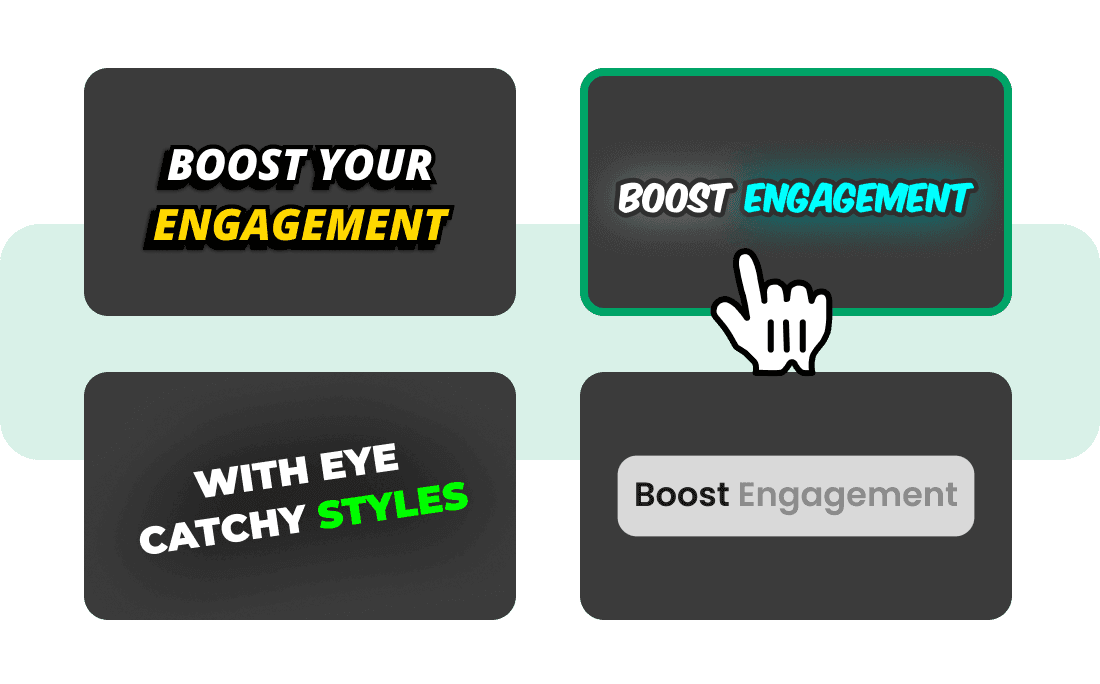
Choose a Style
Choose from 20+ trending caption styles. Customize subtitles completely—change the font, position, color, and more
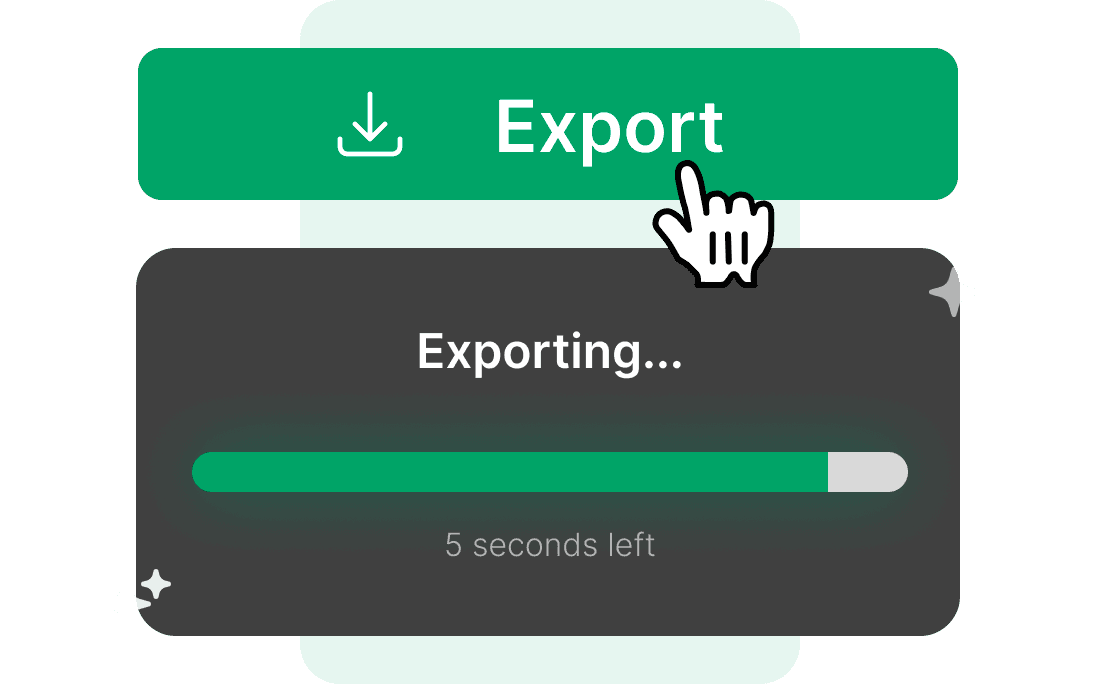
Export in Seconds
Download your video with the captions burned in — full quality, ready to post straight to TikTok, Reels or Shorts.
What Auto Subtitles Do for Your Videos
Make Viral Videos with Subtitle Styles Used by Top Creators
You don't need a motion designer to get captions that look like the ones on the biggest channels. Choose from 20+ styles used by top creators like MrBeast, Alex Hormozi and Ali Abdaal, and every word lands styled and animated — no After Effects, no keyframing, no rebuilding the look on your next upload.
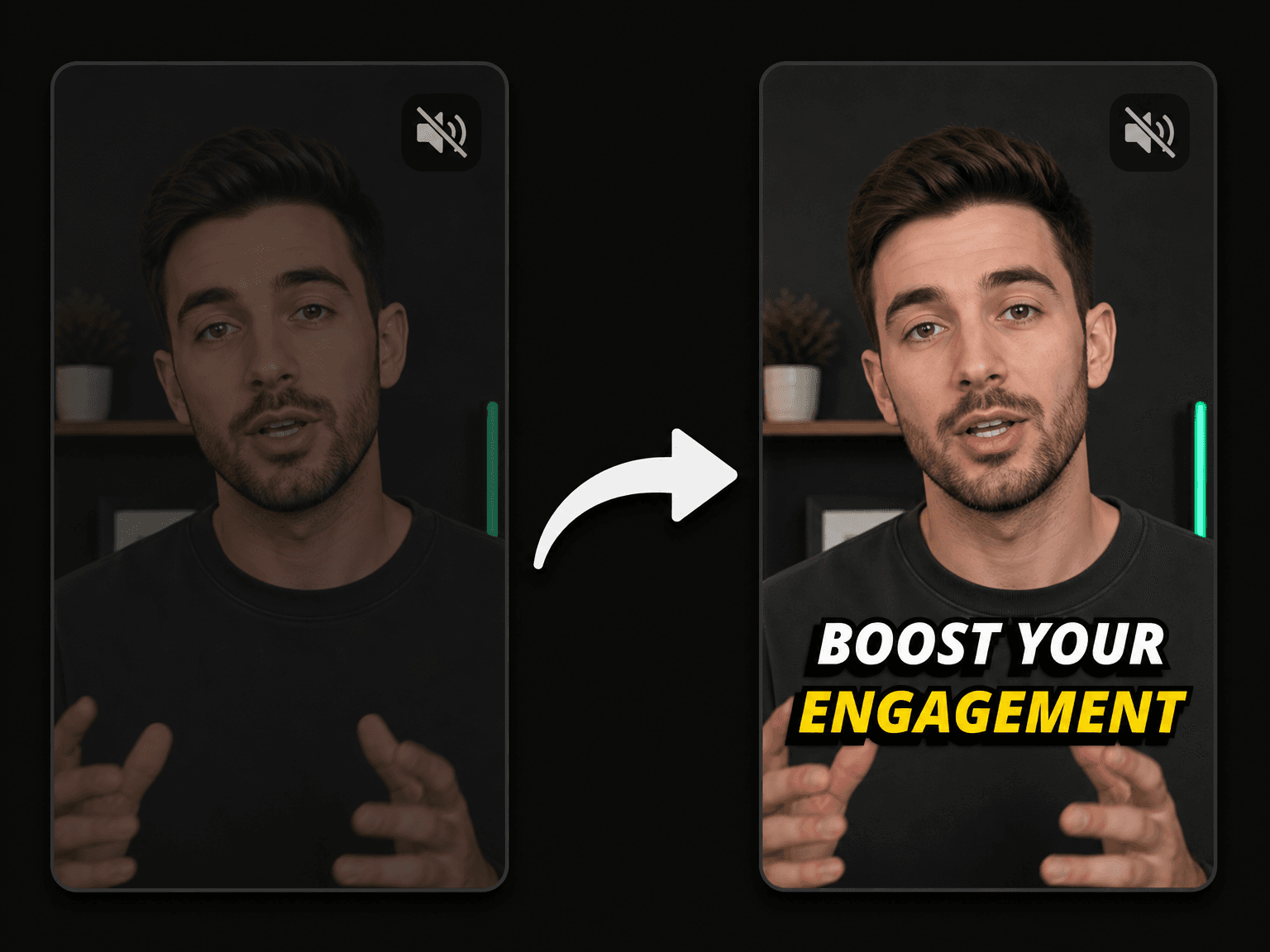
Increase Your Engagement and Reach a Wider Audience
Most feeds autoplay on mute, so an uncaptioned video is silent and easy to scroll past in the first second. Captions hold the viewers who never turn the sound on, and make talking-head clips, tutorials and podcast cuts followable for anyone watching somewhere loud or reading along instead of listening.
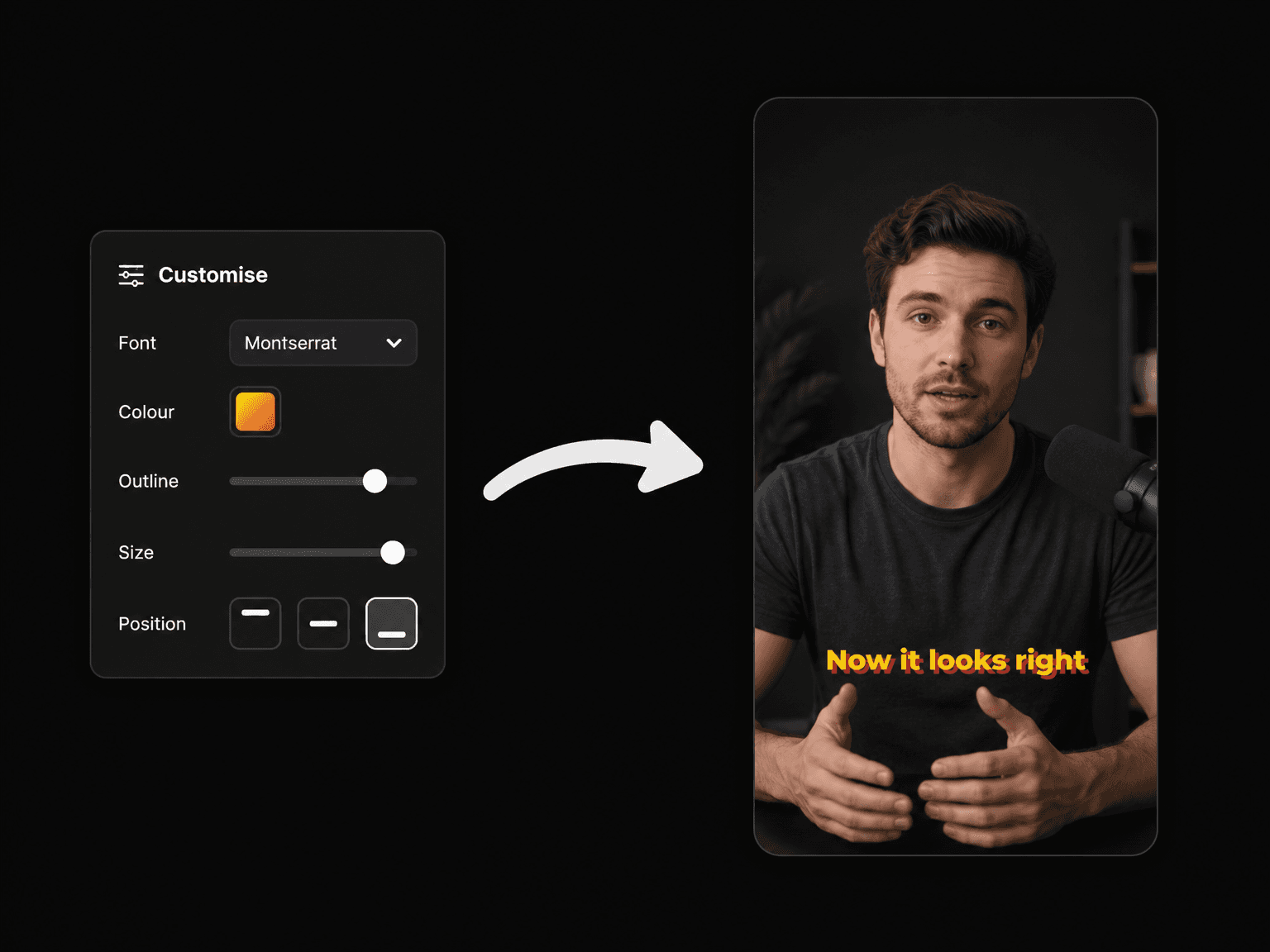
Customise Your Captions and Keep Every Video On-Brand
Font, colour, stroke, shadow, position, scale — every part of the caption is yours to set. Start from one of the presets and adjust it, or build a look from scratch. Keep that look consistent so a week of Shorts, Reels and TikToks all read as unmistakably yours.
What to Run After Your Captions Are Done
Remove Filler Words
Eliro already knows where every "um" lands—cut them from the video in one click.

Remove Silences
Trim the dead air between sentences automatically so the pacing never drags.

Auto Zoom & Pan
Add subtle punch-ins on key lines so captioned talking-head clips stay visually alive.

Smooth Transitions
Fade, dissolve, slide or wipe between clips so no cut ever lands abruptly.

AI B-Roll
Drop in a stock clip or generate one with AI, placed on the lines that need it.

Background Music
Layer a music bed under your speech without drowning out the words your captions follow.
AI Video Editor
Open the captioned video in a full editor for trims, overlays, and final tweaks.

Publish & Schedule
Send finished, captioned videos straight to YouTube, TikTok, and Instagram on a schedule.
Learn more about what you can do
Auto Subtitle Generator FAQs
How accurate are the AI-generated subtitles?
What languages does the auto subtitle generator support?
Can I edit the subtitles after they are generated?
Can I change how the subtitles look?
How long does it take to generate subtitles?
What video formats can I upload?
Can I use it for TikTok, Reels and Shorts?
Is the auto subtitle generator free?
Discover more
- Add Subtitles to Video Online
- AI Caption Generator
- Free AI Subtitle Generator
- Podcast Subtitle Generator
- Animated Subtitle Maker
- Hardcode Subtitles
- Add Subtitles to YouTube Videos
- Add Subtitles to TikTok Videos in Seconds
- Add Subtitles to Facebook Video
- Add Subtitles to Instagram Reels
- Add Captions to YouTube Shorts
- CapCut Alternative