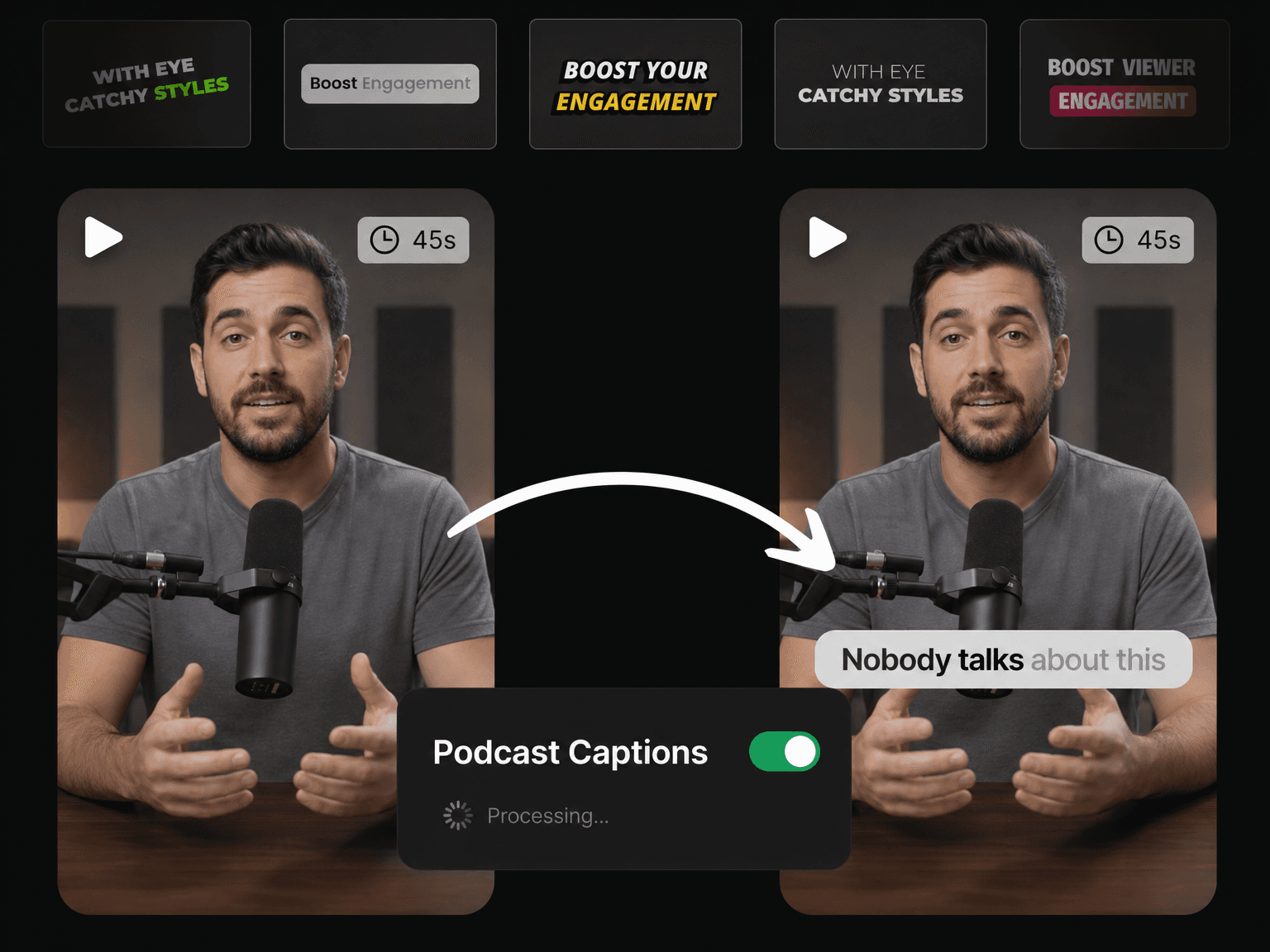
Built for Hours of Real Conversation

Accurate on Real Conversations
Fast talkers, accents, room noise, remote guests and mismatched mics are all handled. You get 99% accurate captions on all your episodes.

Edit Captions Like Text
Click any word and type the correction. Captions work just like a text document, and the timing stays perfect while you fix the words.

Cut, Zoom, Edit & Publish
Remove filler words, cut silences, add B-roll and zoom effects, then post. Everything you need to make engaging videos, all in one app.

Free & No Watermark
Generate stunning subtitles for free and export every video at full quality with no watermark. Post them straight to TikTok, Reels or Shorts instantly.
How to Caption a Podcast in 3 Steps
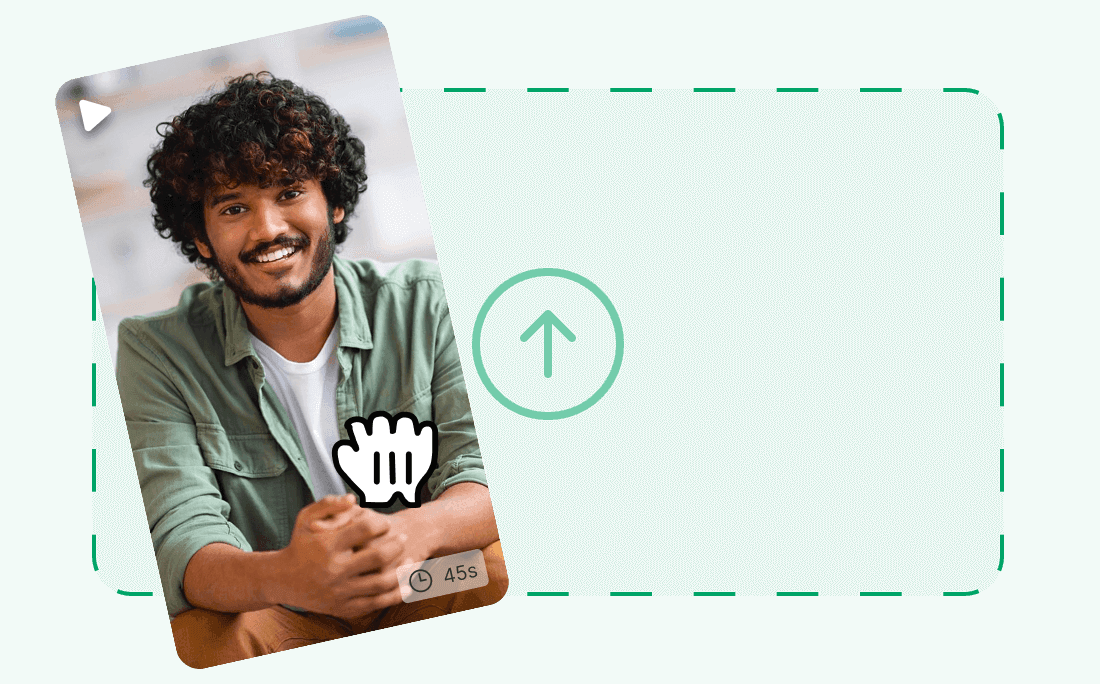
Upload Your Episode
Upload your recording as an MP4, MOV, WEBM or M4V file. The captions are ready in minutes, even for a long episode.
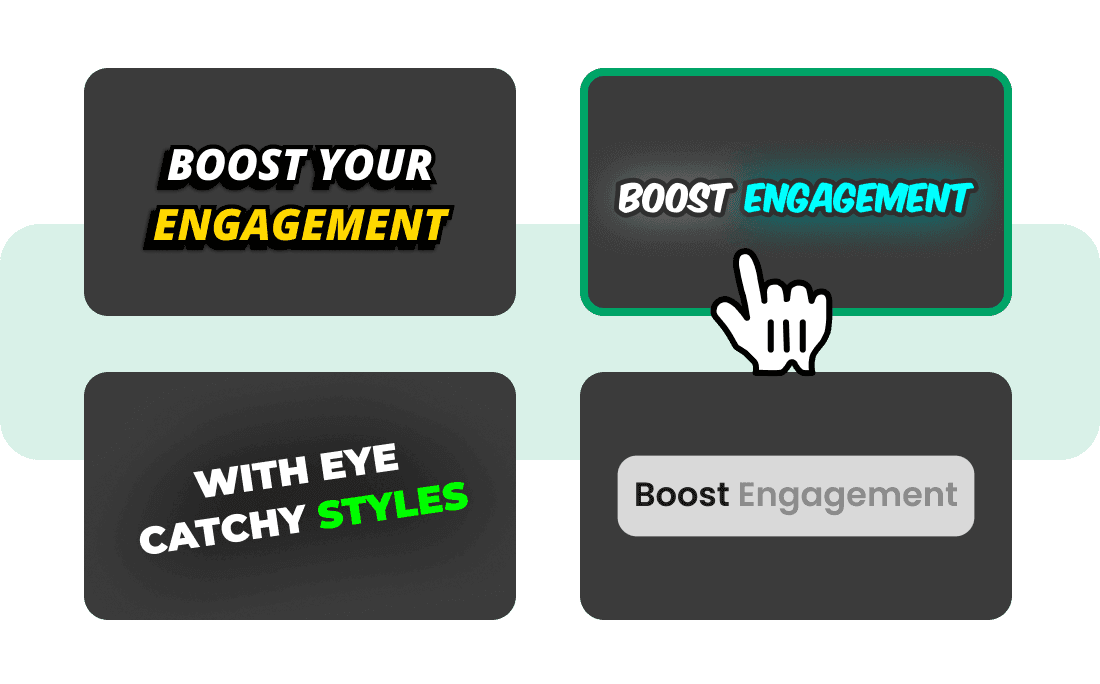
Pick a Caption Style
Choose a style top creators use, then set the font, color, size and position so every clip looks like your show.
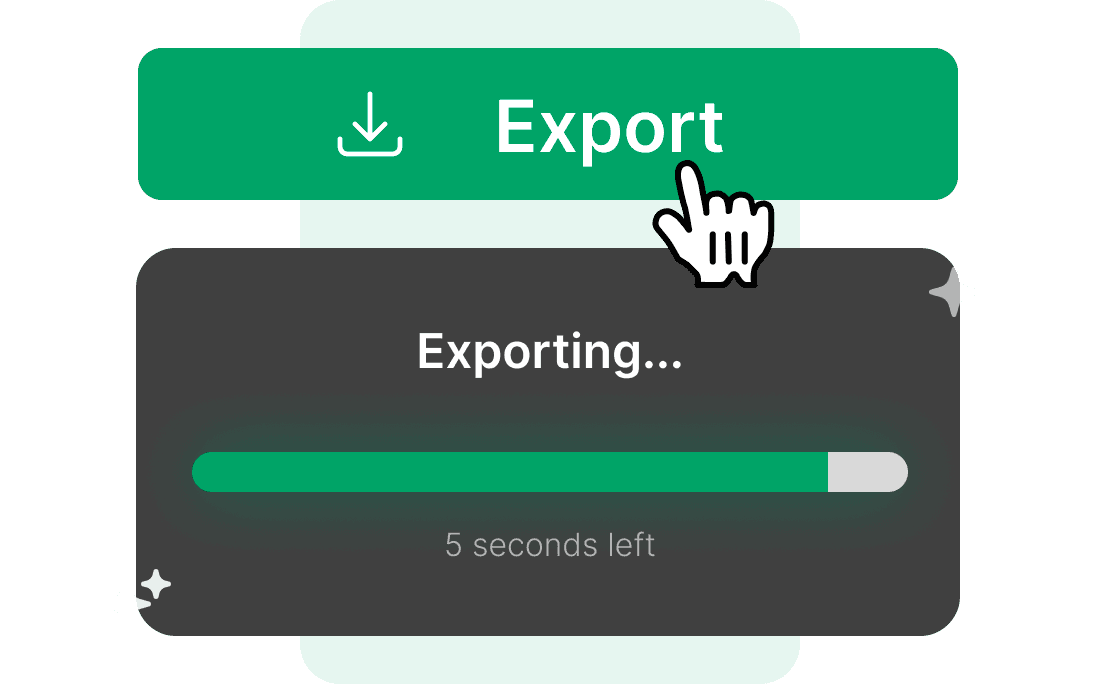
Cut Clips & Publish
Download your episode with the captions inside it, or post straight to TikTok, Instagram and YouTube.
Get More From Every Hour You Record
Style Your Captions Like the Biggest Channels
You do not need a video editor or a motion designer. Pick one of 20+ styles used by top creators, and every word is styled, animated and highlighted for you automatically. Save your style once, and every video you make after that will use the same look.
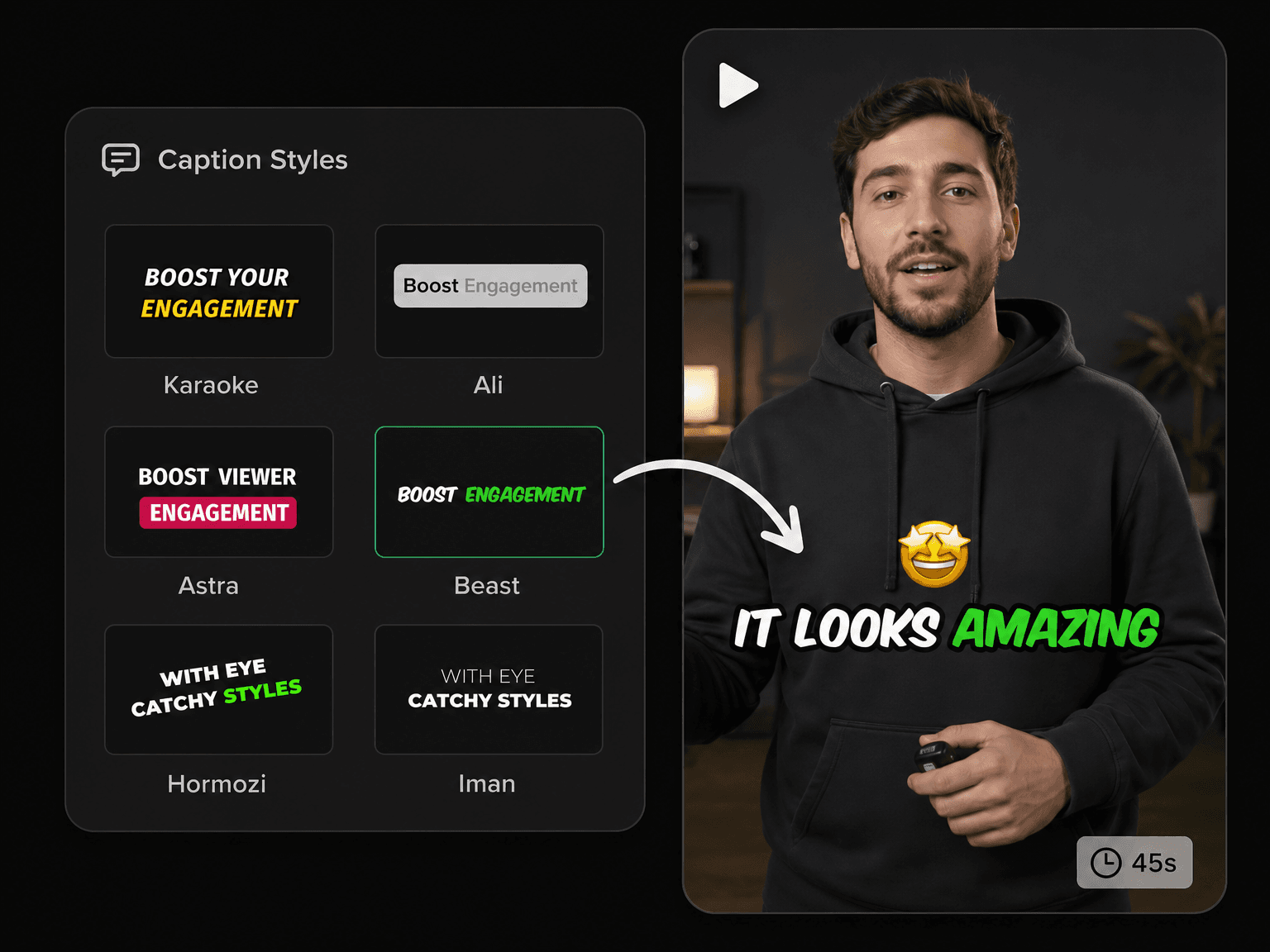
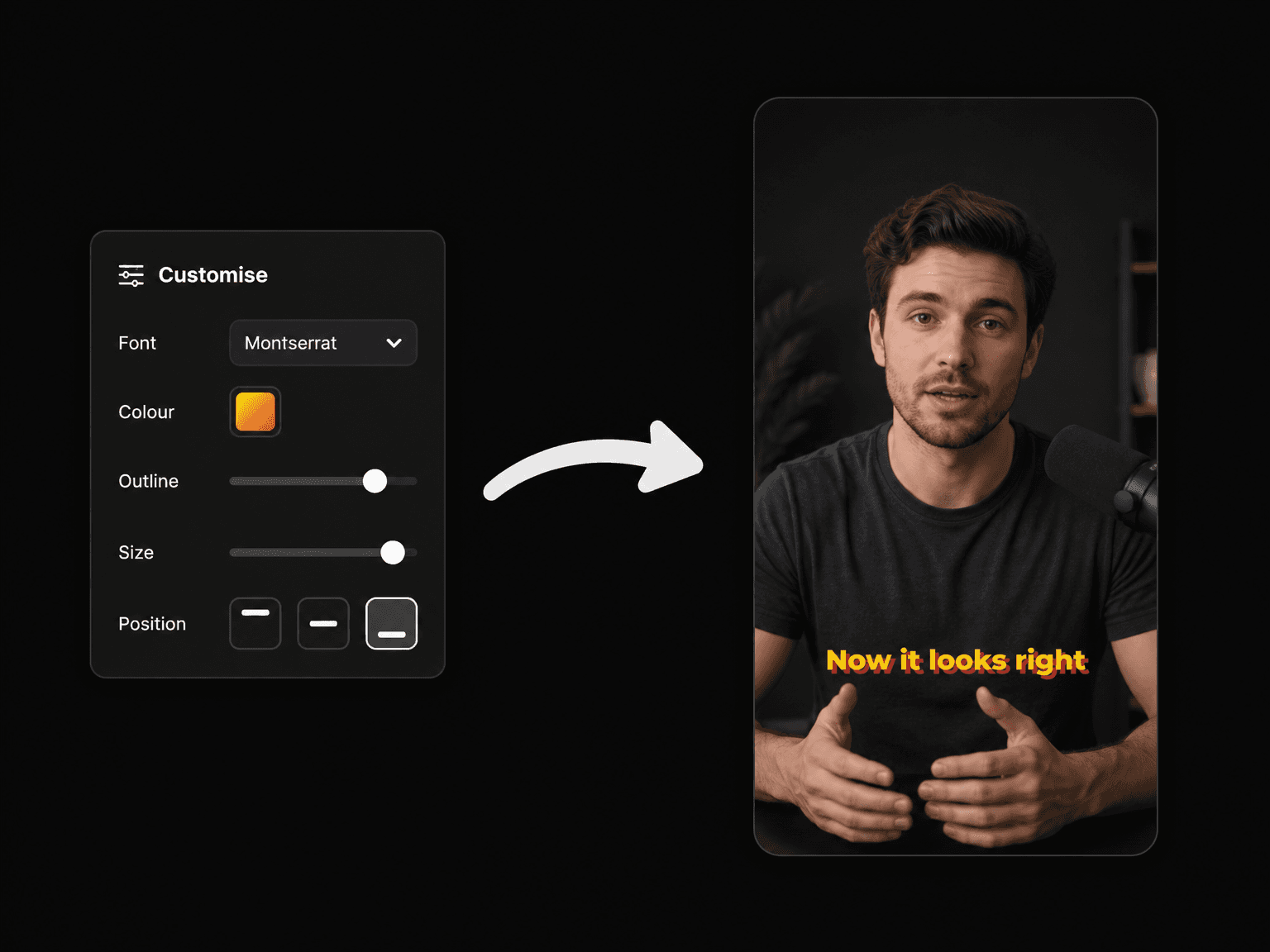
Endless Ways to Style Your Captions
Choose your font, color, outline, shadow, size and position. Start with one of our styles and change it, or build your own using your brand colors. Save it, and all your Shorts, Reels and TikToks will look like they come from the same channel.
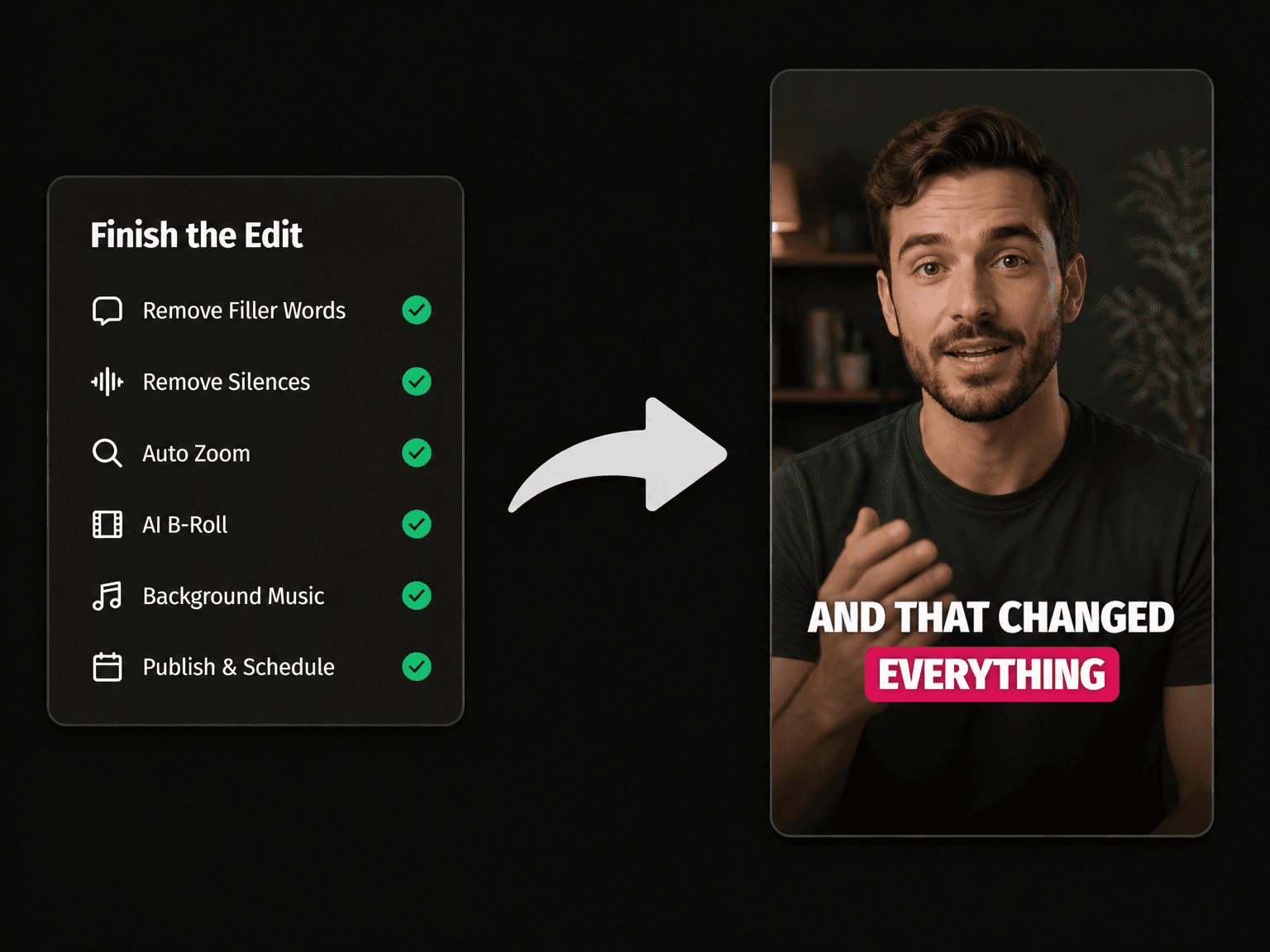
Everything Else Your Episode Needs
Remove Filler Words
Remove every "um" and "you know" from your audio in one click.
Remove Silences
Cut the long pauses between your sentences so the video never feels slow.
AI Voiceover
Turn any script into natural sounding narration with premium AI voices.
AI B-Roll
Add stock or AI-made clips on top of the parts you want to cover.

Auto Zoom & Pan
Zoom in on your most important lines so the video always feels alive.

Background Music
Add background music under your voice, without making it hard to hear.

AI Video Editor
Open your video in the full editor to make any final changes.

Publish & Schedule
Post your finished video to TikTok, Instagram, YouTube and Facebook.
Learn more about what you can do
Podcast Subtitle Generator FAQs
How accurate is it on real podcast audio?
Can I caption a full episode or only short clips?
How long does captioning take?
Can my clips match my show's branding?
What if it gets a guest's name wrong?
Which languages can it caption?
What video files can I upload?
Do exported clips have a watermark?
Will the captions show on TikTok, Reels and Shorts?
Is there a free plan?
Discover more
- Auto Subtitle Generator
- Free AI Subtitle Generator
- AI Caption Generator
- Add Subtitles to Video Online
- Animated Subtitle Maker
- Hardcode Subtitles
- Add Subtitles to YouTube Videos
- Add Subtitles to Facebook Video
- Add Subtitles to TikTok Videos in Seconds
- Add Subtitles to Instagram Reels
- Add Captions to YouTube Shorts
- CapCut Alternative