Remove Silences from Video
Ten minutes of raw footage, six minutes of actual talking. The rest is you checking notes, sipping water, and staring at the lens. Eliro scans your audio, finds every stretch of dead air, and trims it in a single pass—with a threshold you control, so a deliberate pause survives and an awkward one doesn't.
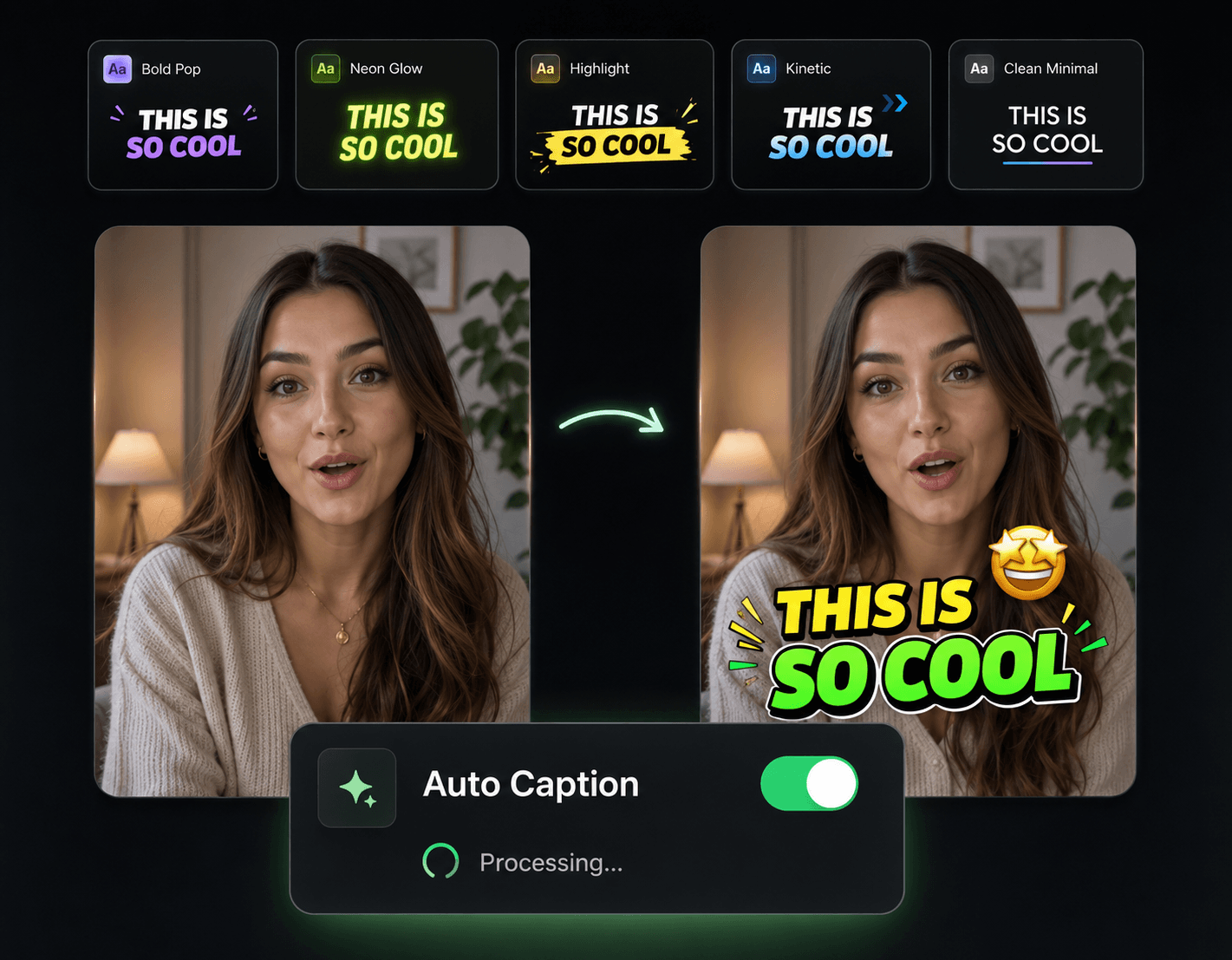
Silence Trimming You Can Tune
Not every gap is dead air. You decide where the line is—the AI does the cutting.

Your Definition of "Too Quiet"
Set how long a gap must run before it gets cut and how quiet counts as silence. Cut everything over half a second, or only the long stalls.
Tight Pacing, No Whiplash
Trims land at sentence boundaries and natural breaks, so the result feels fast—not frantic. Viewers notice the energy, not the edits.
Audio and Video Cut as One
When a silence goes, the matching frames go with it. Nothing drifts out of sync, no matter how many gaps get trimmed.
One Pass Instead of an Evening
Manually ripple-deleting forty gaps from a screen recording is an evening gone. Here it's one scan, one review, one click.
Three Moves from Raw Footage to Tight Cut

Drop In the Raw Footage
Straight from your camera, webcam, or screen recorder—MP4, MOV, AVI, and other common formats, no pre-trimming needed.
Dial In the Threshold
The AI marks every gap it found. Tighten or loosen the sensitivity and watch which silences fall in or out of the cut list.
Apply and Export
Cut every flagged gap at once, preview the tightened edit, and export. Your 10-minute ramble is now a watchable 6.
Keep Tightening the Edit

Remove Filler Words
Silences gone, now the "ums"—run both passes for the tightest possible cut of your footage.

Auto Transitions
Smooth over the joins that dozens of silence cuts leave behind, without placing each one by hand.

Auto Zoom & Pan
Punch-ins at cut points make a heavily trimmed talking-head video feel intentionally edited.

Background Music
A steady music bed evens out the audio after aggressive trimming and keeps momentum between lines.
AI Video Editor
Open the trimmed cut on a timeline to restore a gap or fine-tune a single edit.