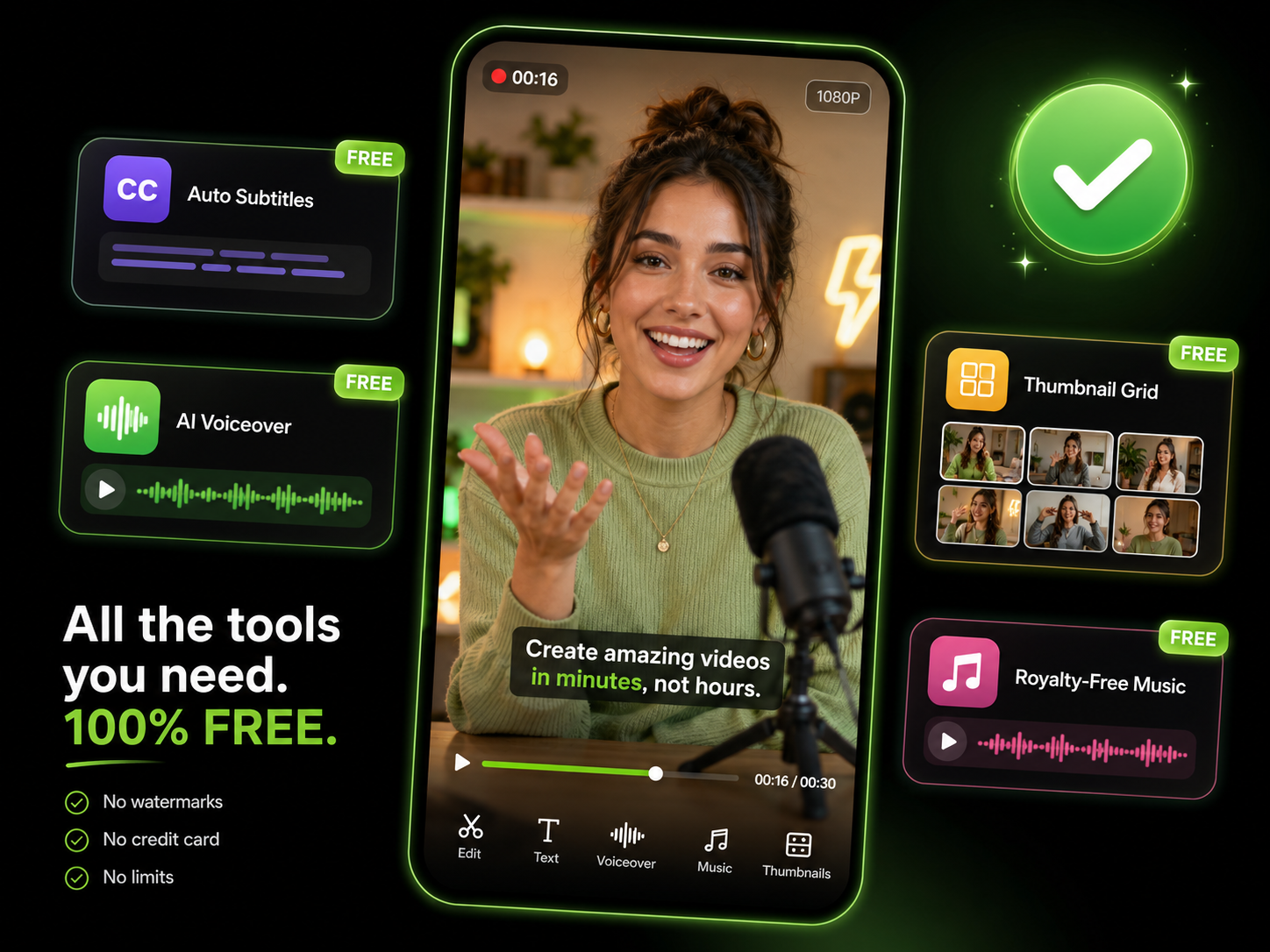
The Easiest Way to Make GIFs from Video
High-quality GIFs without complex software
Precise Trimming
Select the exact start and end points frame by frame. Trim the perfect moment from any video with precision down to individual frames.

Smart Optimization
AI optimizes color palettes and frame rates to minimize file size while maintaining visual quality. Get crisp GIFs under platform size limits.
Custom Dimensions
Resize to any dimensions. Presets for common sizes — Twitter, Slack, Discord, email signatures. Crop and position exactly how you want.
Add Text & Effects
Overlay text, captions, or watermarks on your GIF. Add speed changes, reverse playback, or loop effects before converting.
Convert to GIF in 3 Easy Steps
Upload Your Video
Upload any video clip or paste a URL. Trim to select the exact segment you want as a GIF.
AI Creates Your GIF
Our AI selects the best frames, optimizes the loop point, and compresses for perfect quality.
Customize & Download
Adjust size, speed, add text overlays if needed, and download your high-quality GIF.
Perfect GIFs for Every Use Case — Free
Optimized for Every Platform
Different platforms have different GIF limits. Our optimizer automatically adjusts quality, dimensions, and frame rate to meet size requirements for Twitter...
Perfect for Tutorials and Demos
Show quick product demos, UI interactions, or how-to moments as GIFs. They autoplay everywhere — emails, documentation, chat messages, and social media.
More Free Video Conversion Tools
GIF conversion is one of many free tools in our video toolkit.

AI B-Roll Generation
Skip finding stock footage. Our AI generates matching B-roll based on your script. Fills dead space, keeps viewers watching.

Remove Filler Words
Eliminate "ums," "ahs," and pauses automatically. Your videos sound polished and professional without manual editing.

Sound Effects
Add perfectly timed sound effects that match your content. Makes transitions pop and keeps energy high.

Background Music
Upload and layer background music to set the mood. Perfect timing and volume control without awkward silences.

Auto Zoom & Pan
AI automatically adds zoom and pan effects to key moments. Keeps viewers engaged without manual keyframing.

Publish & Schedule
Go live instantly or schedule across YouTube, TikTok, Instagram. One click, multiple platforms, zero effort.

Auto Transitions
AI adds smooth transitions between scenes automatically. Professional polish without the tedious clicking.

AI Video Editor
Full video editor with AI-powered editing, smart cuts, and one-click optimization. Everything you need in one place.
Learn more about what you can do
Related Pages
AI Video to GIF Converter | Loops That Don't Jump
Turn video clips into GIFs that loop cleanly and load fast. AI picks the best frames and compresses under platform size limits — for docs, email, and social.
GuideHow to Make an Explainer Video with AI — Full Guide | Eliro
How to make an explainer video with AI: distill your product into one clear problem, script 90 seconds that stay on point, and embed it where buyers decide.
AlternativeCapCut Alternative | Eliro vs CapCut
Compare Eliro and CapCut. Eliro generates complete AI videos from one prompt in 30 seconds with unlimited exports.
TemplateMeme Compilation Maker — Memes Without Editing | Eliro
Make meme compilation videos without the all-night clip hunt. AI times the punchlines, drops the vine boom on beat, and paces it for TikTok and Shorts.