AI Music Video Generator
You finished the track. Now YouTube wants a video, Spotify wants a Canvas, and a director costs more than your whole release budget. Eliro listens to your song—tempo, drops, section changes—and generates a music video where every cut lands on the beat. Describe the aesthetic, upload the audio, and release day stops depending on a film crew you don't have.
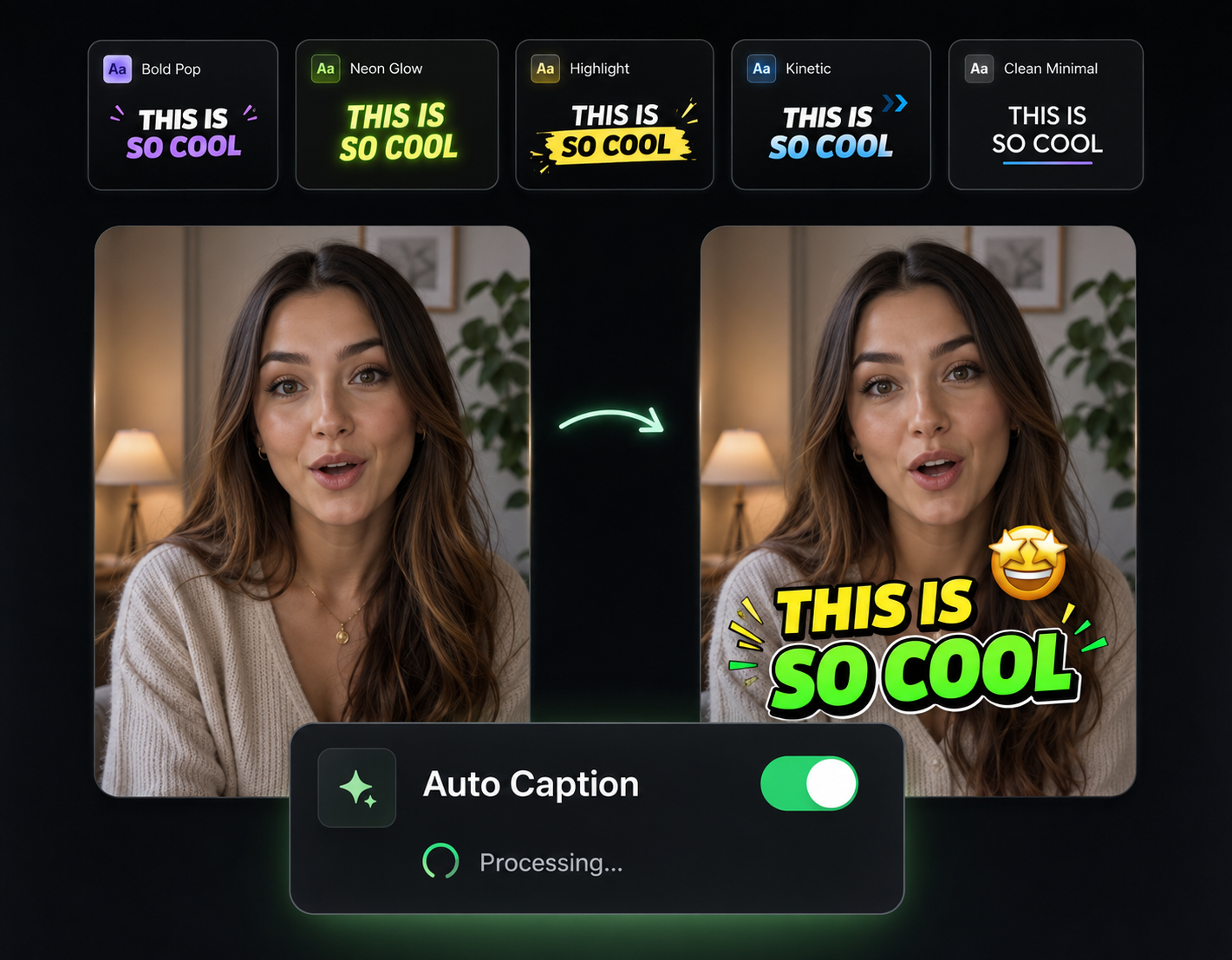
A Video That Actually Hears Your Song
Built around beat detection, not generic stock loops

Cuts on the Beat, Hits on the Drop
The AI maps your track's BPM, drops, and section changes first, then times every scene change to them. The drop gets a visual payoff instead of landing mid-shot.
An Aesthetic That Matches the Genre
Describe the world your song lives in—neon-lit city for synthwave, grainy film for indie folk, abstract motion for techno—and the AI generates scenes in that visual language.
Verse-Chorus Visual Structure
Choruses get repeated visual motifs, verses get progression, bridges get a shift in tone. The video follows your song's structure the way a director would storyboard it.
Every Format a Release Needs
Render 16:9 for the YouTube premiere, 9:16 for the teaser on Reels and TikTok, 1:1 for the feed announcement—all from the same generated video.
Your Track Becomes a Video in One Pass

Upload the Master
Drop in your finished track. Add a few lines about the visual direction—mood, setting, color palette, references.
AI Maps the Song and Builds Scenes
The AI analyzes tempo, energy, and structure, then generates scenes timed to the beat grid—buildups tighten the cuts, drops open into the biggest visuals.
Refine and Release
Swap any scene that doesn't fit the vibe, nudge timing if you want, then export for YouTube, Shorts teasers, and socials.
Round Out the Release
The video is one asset on release day. These tools cover the teasers, lyric clips, and channel upkeep around it.

Auto Transitions
Smooth or hard-cut transitions matched to your song's energy, so section changes feel intentional.

Auto Zoom & Pan
Camera motion that swells with the dynamics—slow push-ins on verses, snaps on the drop.

Sound Effects
Risers and impacts for teaser edits and trailer-style clips promoting the release.

Publish & Schedule
Schedule the premiere and the short-form teasers to drop together across YouTube, TikTok, and Instagram.
AI Video Editor
Cut a 30-second teaser from the full video or re-edit scenes on a timeline before release day.
Learn more about what you can do
Related Pages
Free AI Voiceover Generator | Natural Text-to-Speech for Videos
Convert text to natural-sounding voiceovers for free. 100+ AI voices in 30+ languages. Perfect for YouTube, TikTok, and podcasts. No recording needed.
TemplateAI Music Video Generator — Visuals for Your Track | Eliro
Generate a music video from your track with AI. Beat-synced cuts, lyric animation, and any visual style — ready before your release date, no shoot needed.
GuideHow to Make a Music Video with AI: Beat-Synced Visuals
Learn how to make a music video with AI. Map your song structure, direct the look of each section, and get cuts synced to every beat — no film crew needed.
AlternativeDescript Alternative | Eliro vs Descript
Compare Eliro and Descript. Eliro generates complete videos from one prompt in 30 seconds.