AI Video Background Remover
The footage is good — the room behind you isn't. A cluttered home office, a busy street, the wrong wall color: backgrounds undermine videos that are otherwise ready to publish. Eliro's AI Video Background Remover isolates you from whatever you filmed in front of, without a green screen, and lets you drop in any backdrop the video actually calls for.
- No Green Screen, No Studio
- Clean Edges on Hair & Motion
- Swap In Any Backdrop
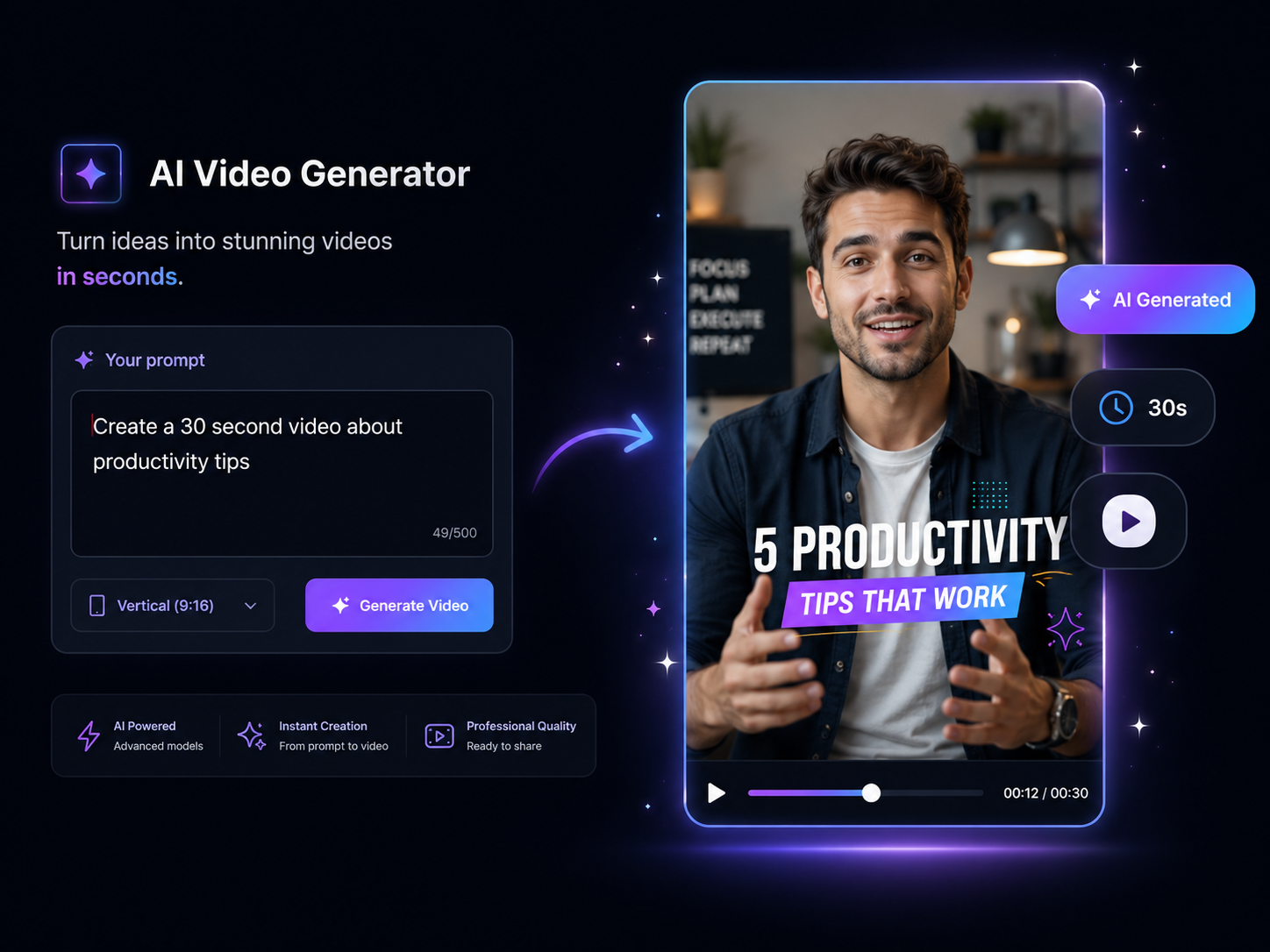
Keying Quality Without the Keying Setup
What used to need a lit green screen and rotoscoping now needs an upload
Film Wherever You Are
Bedroom, kitchen, parked car, hotel room — the AI separates you from any real-world background. The messy bookshelf behind you stops being a reason to delay recording.
Edges That Hold Up on Hair
Flyaway hair, glasses, headphone cables, semi-transparent fabric — the failure points of background removal are handled per-frame, without halos or crawling outlines.
Backdrops for Every Use Case
Replace the removed background with a tidy office for client calls, a branded set for your channel, a product-friendly clean white, or your own image or video.
See Results as You Upload
Frame-by-frame processing starts immediately, so you can confirm the cutout quality before committing — no waiting through a full render to discover a problem.
Tracks You Through Movement
Gesture, lean, stand up, walk through frame — the AI follows subjects through motion and camera moves, keeping the separation stable instead of flickering.
Handles a Full Frame of People
Interviews, duets, and team videos work too. Every person in frame is detected and preserved while the space behind them is cleanly removed.
Swap Your Background in Three Moves
Upload the Footage
Any video shot anywhere — no special lighting or backdrop needed. MP4, MOV, AVI, and other major formats all work.

AI Cuts Out the Background
Subjects are detected frame by frame and separated from the scene behind them — hair, hands, and movement included.

Pick the New Backdrop
Choose a preset environment, upload your own image or video, go solid color, or keep it transparent. Export in HD.
Who Swaps Backgrounds, and Why
Look Professional on Recorded Calls
Recording a webinar, sales demo, or remote interview from a home office? Replace the laundry-room reality with a clean professional environment or a branded backdrop. Viewers focus on what you're saying instead of what's behind you.
One Corner, Infinite Sets
Course creators and YouTubers film everything in the same corner of the same room — then place themselves on a different set per series. A branded studio for the channel, a whiteboard room for tutorials, a clean gradient for Shorts. Same corner, new look every time.
Useful Alongside Background Removal
A new backdrop is rarely the only fix a video needs before it ships.

AI B-Roll Generation
Cut away from your talking-head-on-new-backdrop shots with AI-matched B-roll.

Remove Filler Words
Polish the audio too — drop the "ums" so the cleaned-up visuals have a cleaned-up voice track.

Background Music
A subtle bed of music helps a replaced background feel like a real environment.

Auto Zoom & Pan
Add camera movement to keep static virtual-set shots from feeling frozen.

AI Video Editor
Assemble your composited shots into the finished video in the same place.
Learn more about what you can do
Related Pages
Free Video Background Remover | Remove Backgrounds with AI
Remove video backgrounds for free with AI. Clean edges, real-time processing, and custom background replacement. No green screen needed.
TemplatePromo Video Maker — Sale-Ready in Minutes | Eliro
Make a promo video for your sale, launch, or event without an agency. Describe the offer; Eliro builds visuals, voiceover, and CTA in every ad format.
AlternativeCapCut Alternative | Eliro vs CapCut
Compare Eliro and CapCut. Eliro generates complete AI videos from one prompt in 30 seconds with unlimited exports.
GuideHow to Make a Promo Video with AI for Any Campaign
Learn how to make a promo video with AI: write the offer as a brief, get a scroll-stopping hook and deadline overlays, then cut a version for every placement.