YouTube Thumbnail Generator
A good video with a weak thumbnail simply doesn't get opened — viewers judge the package in under a second while scrolling. Type your video title and Eliro generates thumbnail options with bold text, high contrast, and one clear focal point, so the click decision goes your way more often.
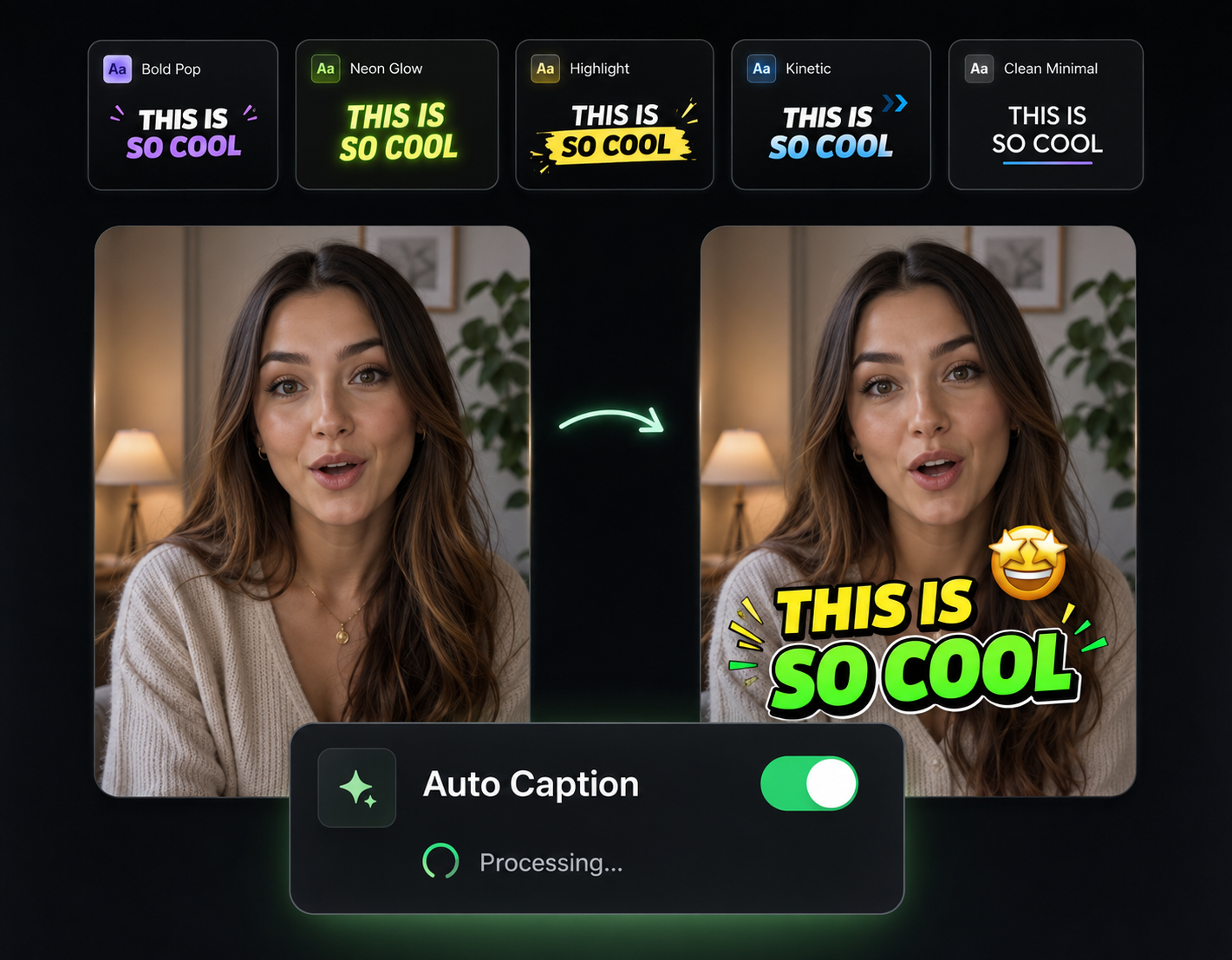
Designed Around the Click Decision
Every design choice serves one number: your click-through rate

Layouts Borrowed from What Works
The AI composes thumbnails using the patterns that win in crowded feeds — oversized text, a single subject, and contrast that survives being shrunk to phone size.
Custom Visuals, Not Stock
The imagery is generated for your specific topic, so your thumbnail never matches three other videos sitting in the same search results.
Text You Can Read at Phone Size
Thumbnails get viewed tiny. The AI sizes and places your overlay text so it stays legible in the suggested sidebar, not just full-screen.
Variations to Test, Not One Guess
Get several options per prompt. Run them through YouTube's thumbnail testing and let your audience pick the winner.
Title In, Thumbnails Out

Describe the Video
Paste your video title or topic. Add a style note like "dark and tense" or "clean and bright" if you have a direction in mind.
Compare the Options
The AI returns multiple designs with generated visuals, overlay text, and click-focused composition — all within seconds.
Download at 1280x720
Grab your favorite at YouTube's recommended resolution and attach it to your upload — or take two and test them against each other.
Packaging Decides Who Clicks
Your Thumbnail Competes Before Your Video Does
In search and suggested feeds, your thumbnail sits beside a dozen others fighting for the same click. The AI builds for that fight: one focal point, text and faces that pop, nothing that turns to mush at small sizes.
Test Thumbnails the Way You Test Titles
Generate three or four takes on the same video — different colors, expressions, text — and use YouTube's built-in thumbnail testing to learn which version your audience actually clicks.
Make the Video Worth the Click
A thumbnail earns the click — these tools make sure the video keeps it.
AI Video Editor
Cut, zoom, and polish the video behind the thumbnail so retention matches your click-through rate.

AI B-Roll Generation
Add AI-generated B-roll so the video delivers the visual energy the thumbnail promised.

Remove Filler Words
Trim "ums" and dead air so viewers who clicked stay past the first 30 seconds.

Auto Transitions
Smooth scene changes keep viewers watching all the way to your next thumbnail.

Publish & Schedule
Schedule the upload with your new thumbnail attached and go live at the right hour.
Learn more about what you can do
Related Pages
AI Video Generator for YouTube — Idea to Upload | Eliro
Generate upload-ready YouTube videos from a topic prompt. Script, voiceover, visuals, and captions handled — so a 10-minute video doesn't cost a weekend.
Free ToolFree TikTok Video Maker | Create Viral TikToks with AI
Make TikTok videos for free with AI. Auto-generate viral-ready content with trending effects, captions, and music. No editing experience needed.
Use CaseAI Video for Social Media Managers | Eliro
Feed every content calendar without an editor. Eliro turns briefs into platform-ready video for Reels, TikTok, and LinkedIn -- scheduled from one dashboard.
TemplateMake Instagram Reels with AI — Free Reel Maker | Eliro
Turn a written idea into a ready-to-post Instagram Reel. Eliro builds the 9:16 video, transitions, captions, and music so you can post daily without an editor.