AI Anime Video Generator
You have the story — the lore recap, the original arc, the what-if scenario your audience keeps requesting. What you don't have is an animation studio. Describe the scene and Eliro generates anime-style visuals to match, follows or writes your script, narrates it, and syncs the subtitles. Pick the aesthetic — dark fantasy, shonen action, slice of life — and ship episodes instead of storyboards.
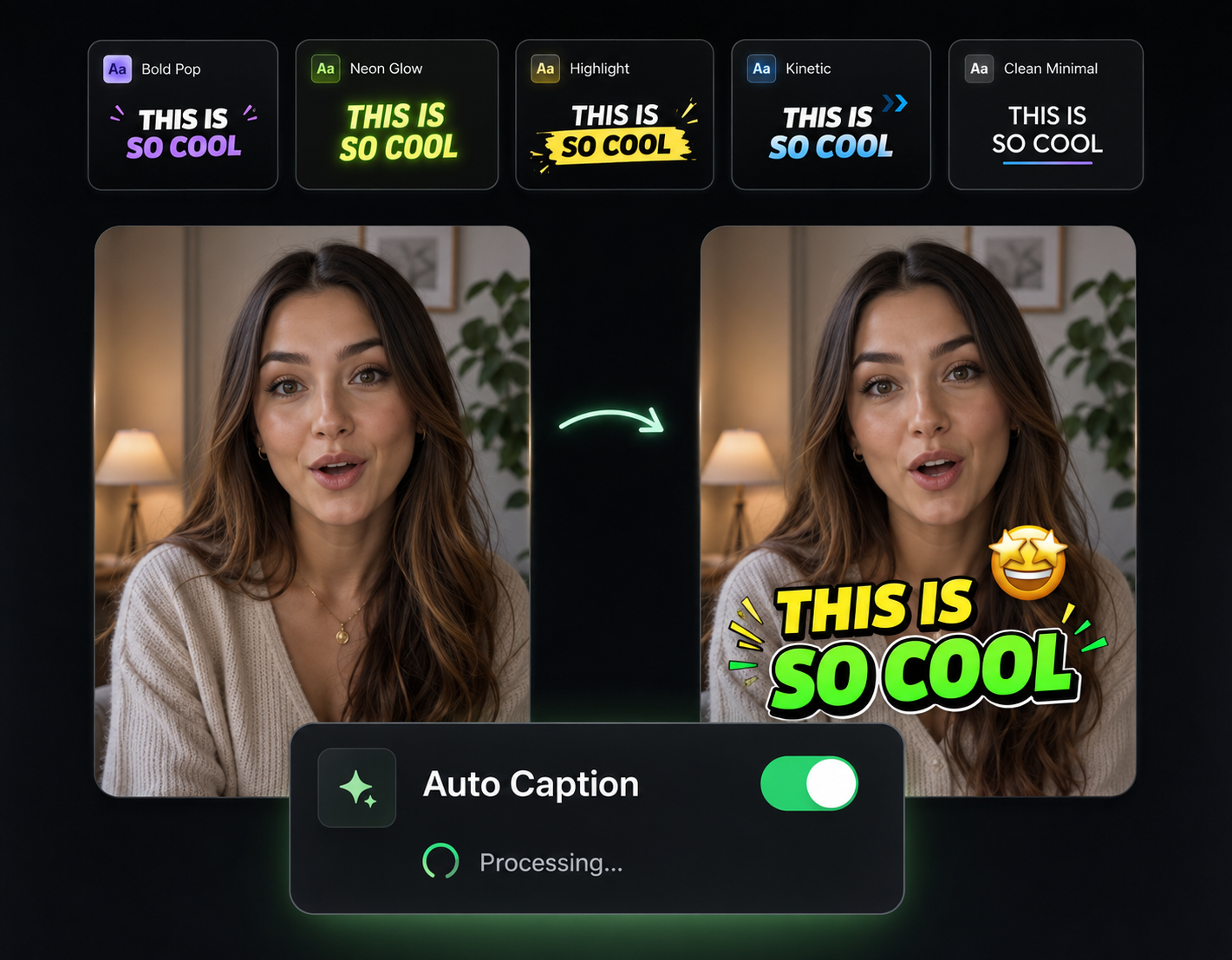
A One-Person Anime Studio
Script, art, voice, and subtitles — the whole production pipeline runs from a prompt

Scenes in Your Chosen Aesthetic
Tell it "moody cyberpunk alley" or "sunlit school rooftop" and the AI renders characters, backdrops, and lighting in that style — scene after scene.
Scripts with an Actual Arc
Recap a season, explain a power system, or pitch an original storyline. The AI structures the narration with a hook, rising tension, and a payoff worth staying for.
Narration That Fits the Genre
A grave, deliberate voice for dark fantasy; something warmer for slice of life. Pick the AI narrator that sounds like your story feels.
Episodes for Any Feed
Render in 16:9 for YouTube essays, 9:16 for Shorts and TikTok clips, or 1:1 for feed posts — the same story, cut for every audience.
From Prompt to Finished Anime Scene

Describe the Story and the Style
Type your premise or paste a full script, then add style direction — "90s cel-shaded look," "dark seinen tone," "pastel slice of life."
AI Renders and Voices It
The AI generates anime visuals for each beat of the script, records the narration, scores it, and syncs subtitles to the voice.
Tweak Scenes and Publish
Swap any shot that misses the mark, adjust the script or voice, then export for your channel.
Tools That Sharpen an Anime Channel
The generator gets you the episode — these get it ready for the feed.

Background Music
Score battle beats and quiet character moments with auto-mixed, copyright-safe tracks.

Sound Effects
Impacts, whooshes, and stingers that give generated action scenes their weight.

Auto Transitions
Scene-to-scene cuts that keep a multi-shot story flowing like an episode, not a slideshow.
AI Video Editor
Reorder scenes, trim pacing, and fine-tune the cut after generation.

Publish & Schedule
Queue episodes to YouTube, TikTok, and Instagram on a release schedule your audience can count on.
Learn more about what you can do
Related Pages
Make Anime Video with AI | Cel-Shaded Characters & Scenes
Make anime videos with AI — cel-shaded characters, dramatic lighting, action cuts, and emotional beats in genuine anime style, no drawing ability required.
AlternativeRunway Alternative | Eliro vs Runway
Compare Eliro and Runway ML. Eliro generates complete production-ready videos from one prompt in 30 seconds at $20/month.
Use CaseAI Video for Content Creators: Post Daily | Eliro
Posting daily on YouTube, TikTok, and Instagram burns creators out. Eliro turns one idea into a finished video for every platform. Start free.
GuideHow to Make an Anime Video with AI — No Drawing | Eliro
How to make anime videos with AI: pick a sub-style, design a consistent character, and prompt scene by scene — no drawing skills or animation software needed.